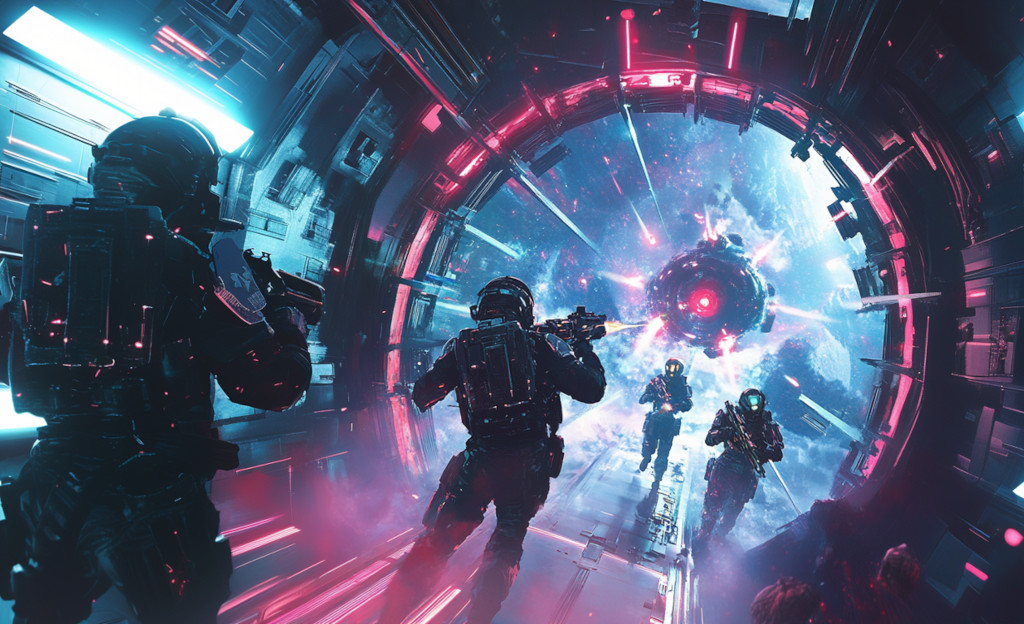
Step into the universe of Void Raiders, our latest game experience that will take you on a thrilling journey across the cosmos.
In Void Raiders, you are part of an elite squad of space adventurers stranded far from Earth. Your mission? To fight your way through hostile alien forces, explore mysterious space stations, and unlock the secrets of advanced teleportation technology — all in a desperate bid to find a way back home.
Each space station you encounter is a new world, filled with deadly enemies and hidden dangers. Use your wits, your weapons, and your instincts to navigate these treacherous environments and discover powerful upgrades. With each successful raid, you get one step closer to Earth — but beware, the aliens are relentless, and the stakes have never been higher.
Void Raiders combines the tactical thrills of turn-based combat with team-based cooperative gameplay, delivering an experience that's both visually stunning and deeply engaging. Prepare to be transported to the farthest reaches of the galaxy, where every choice you make could be the difference between survival and oblivion.
Are you ready to take on the void? Earth is waiting.
Void Raiders is now available on Android and iOS! Take the tactical turn-based combat with you wherever you go. Battle through alien-infested space stations, choose your hero, and master the card system — all from the palm of your hand.
The mobile version is a single-player experience, designed and optimised for touch controls. Dive into the full campaign solo and prove you can conquer the void on your own.
| Choose Your Hero | |
|---|---|
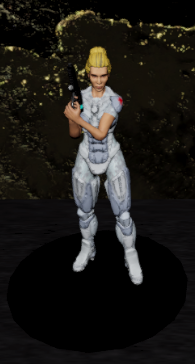 |
The Healer The healer can remove negative status conditions and restore health points. In addition this character can remove hazards. Classification: Support | Difficulty: Easy |
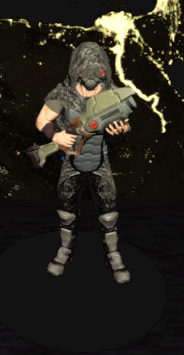 |
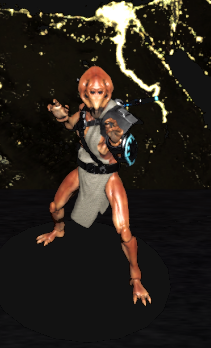
The Ghost The ghost has the highest movement of all heroes and a cloaking ability to move unseen. He can quickly move past enemies and gather useful items from around the station. Classification: Tactical | Difficulty: Medium |
 |
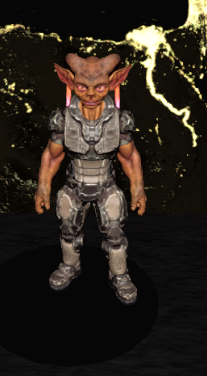
The Knight The knight can absorb large amounts of damage and can recover from strong hits. He can taunt enemies to force them to attack him instead of allies. Classification: Tank | Difficulty: Easy |
 |
The Psychic The psychic has strong mental abilities that can alter the battlefield, but needs longer time to recover. He has to decide when to use which ability to maximize its effects. Classification: Tactical | Difficulty: Hard |
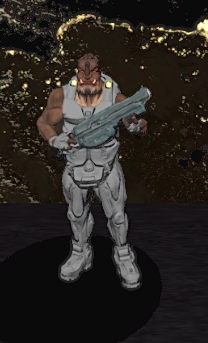 |
The Assault The assault is equipped with a shotgun for close range combat. His ability cards are focused on dealing damage to groups of enemies. Classification: Damage Dealer | Difficulty: Medium |
Hero core cards can be used again after a cooldown period. Every hero has four core cards. Additional one-time-use cards can be found in the space station. Only hero core cards can be upgraded through collected upgrade points.
| Healer Cards | |
|---|---|
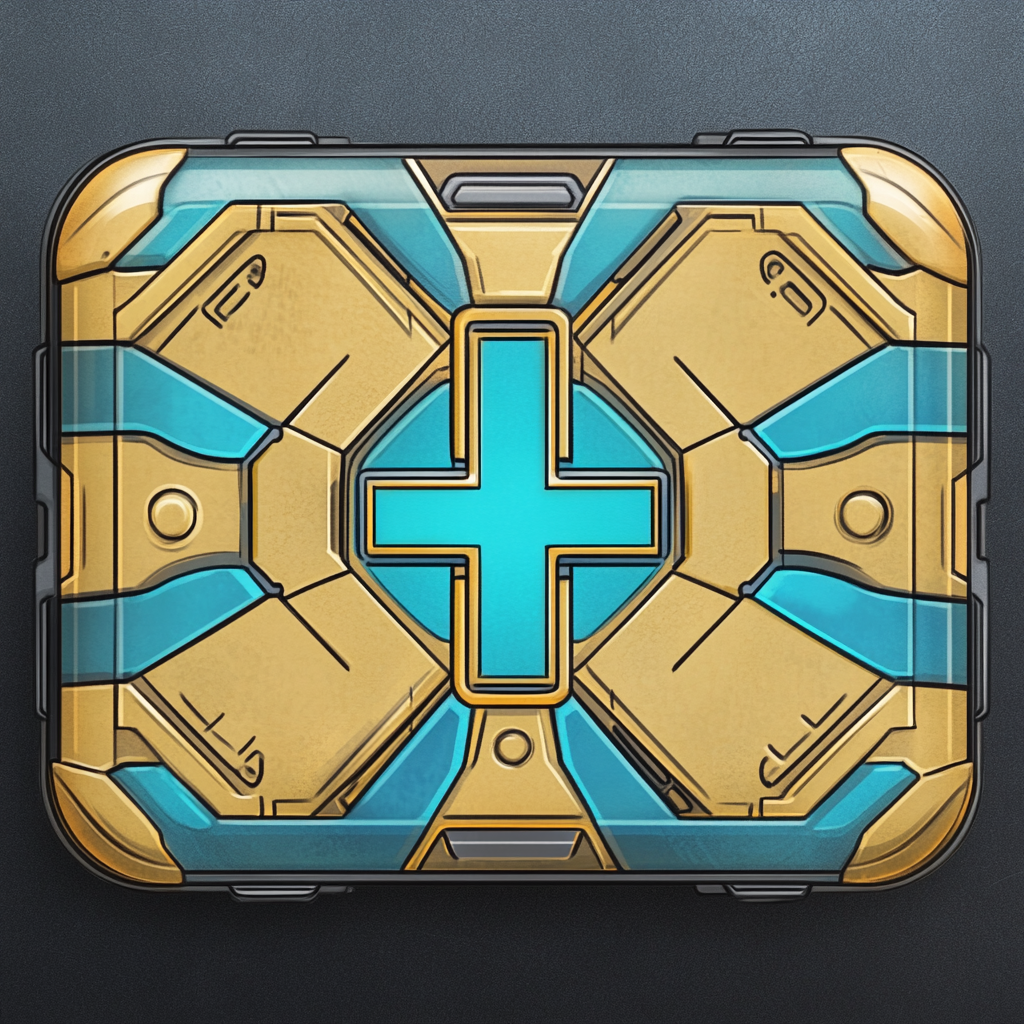 |
First Aid Basic: Heal someone by up to 2 Hitpoints. Upgraded: Heal someone by up to 3 Hitpoints. |
 |
Cleanse Basic: Removes one negative status condition from the targeted hero. Upgraded: Removes all negative status conditions from the targeted hero. |
 |
Douse Basic: Neutralize a hazard like an acid pool or fire on the ground. Upgraded: Neutralize a hazard on the ground and then regain the action point you spent for this card. |
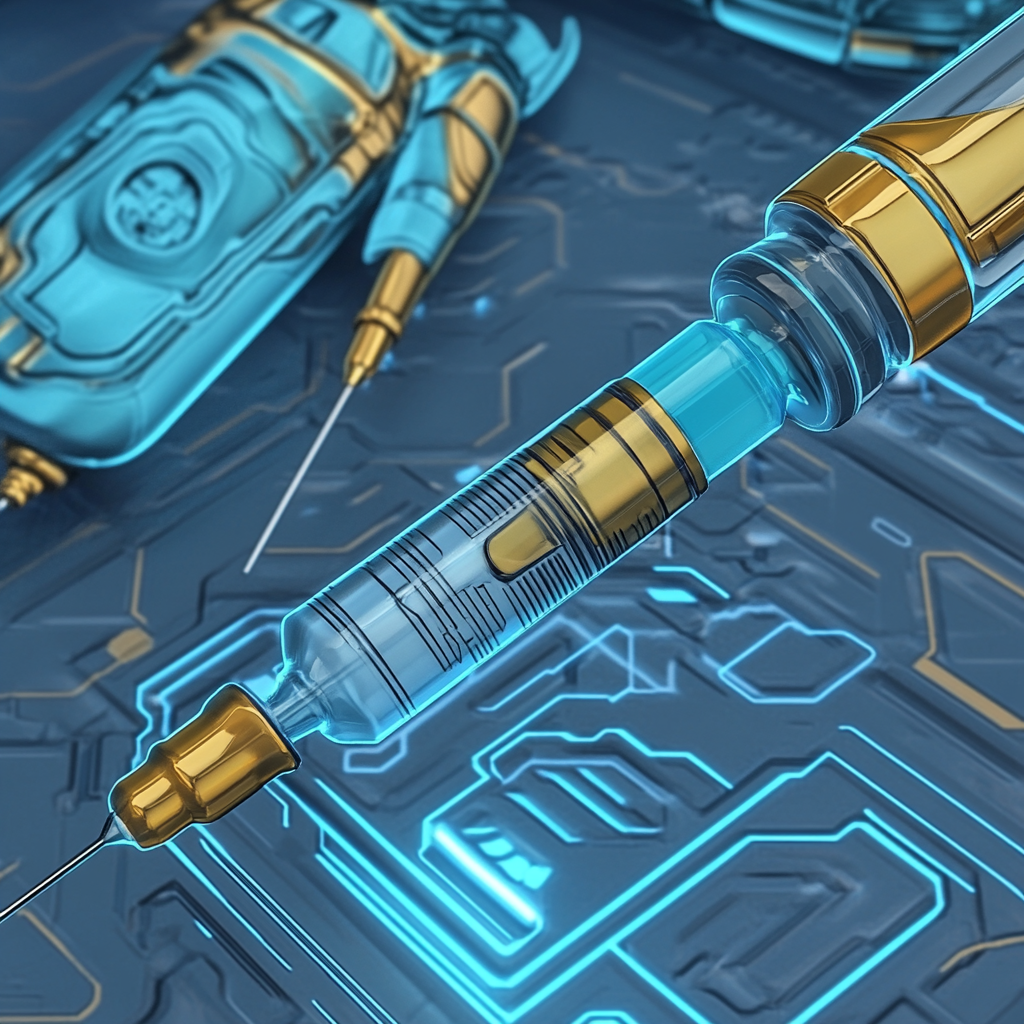 |
Extra Stim Basic: Heal 60 percent of missing health and gain 1 action point. Upgraded: Heal 90 percent of missing health and gain 1 action point. |
| Ghost Cards | |
|---|---|
 |
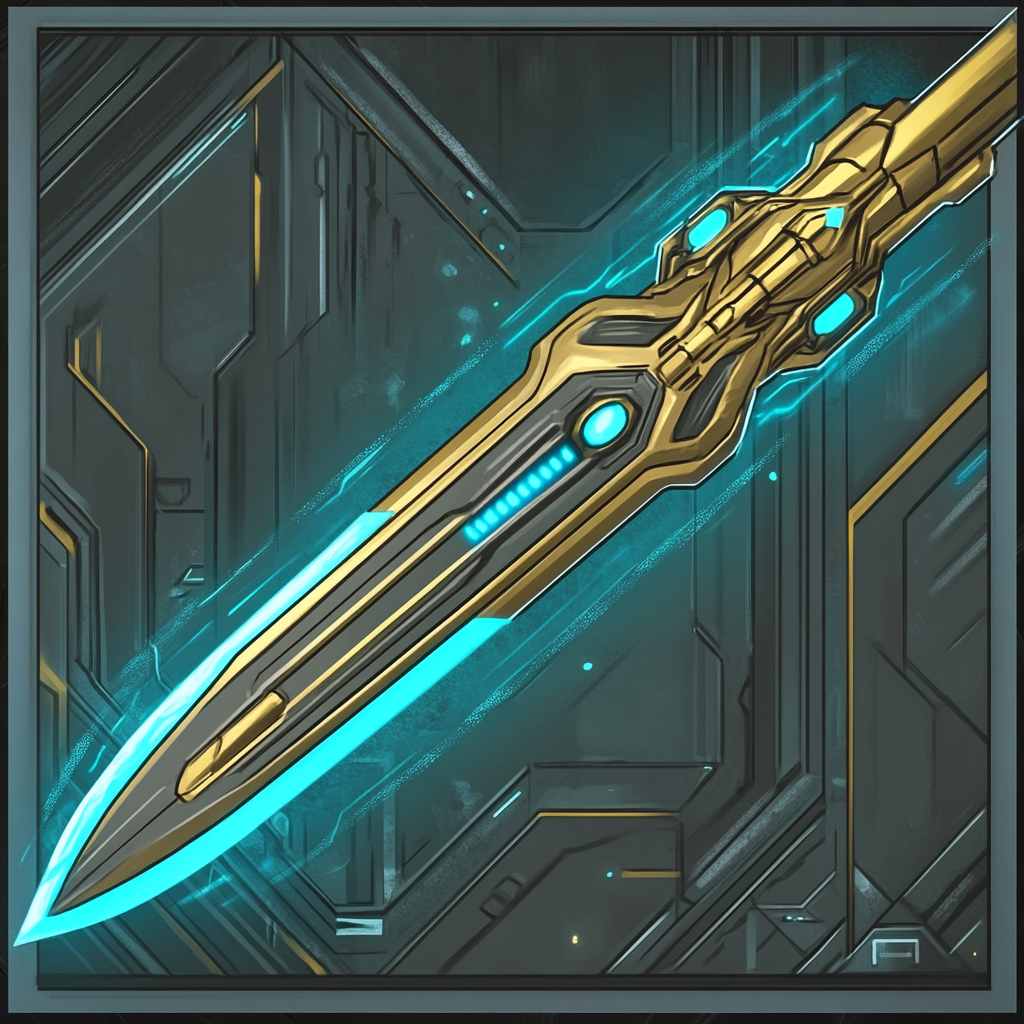
Cloaking Field Basic: Make yourself invisible for 2 rounds. Enemies will ignore invisible heroes. Invisibility will be broken if the hero attacks. Upgraded: Make yourself and a random teammate invisible for 2 rounds. |
 |
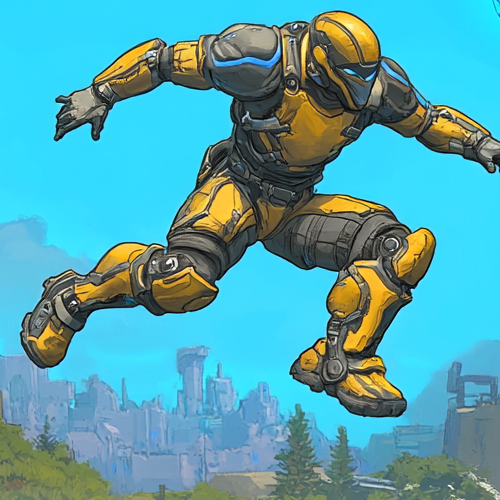
Silent Strike Basic: Deal 5 damage without breaking invisibility. Upgraded: Deal 8 damage without breaking invisibility. |
 |
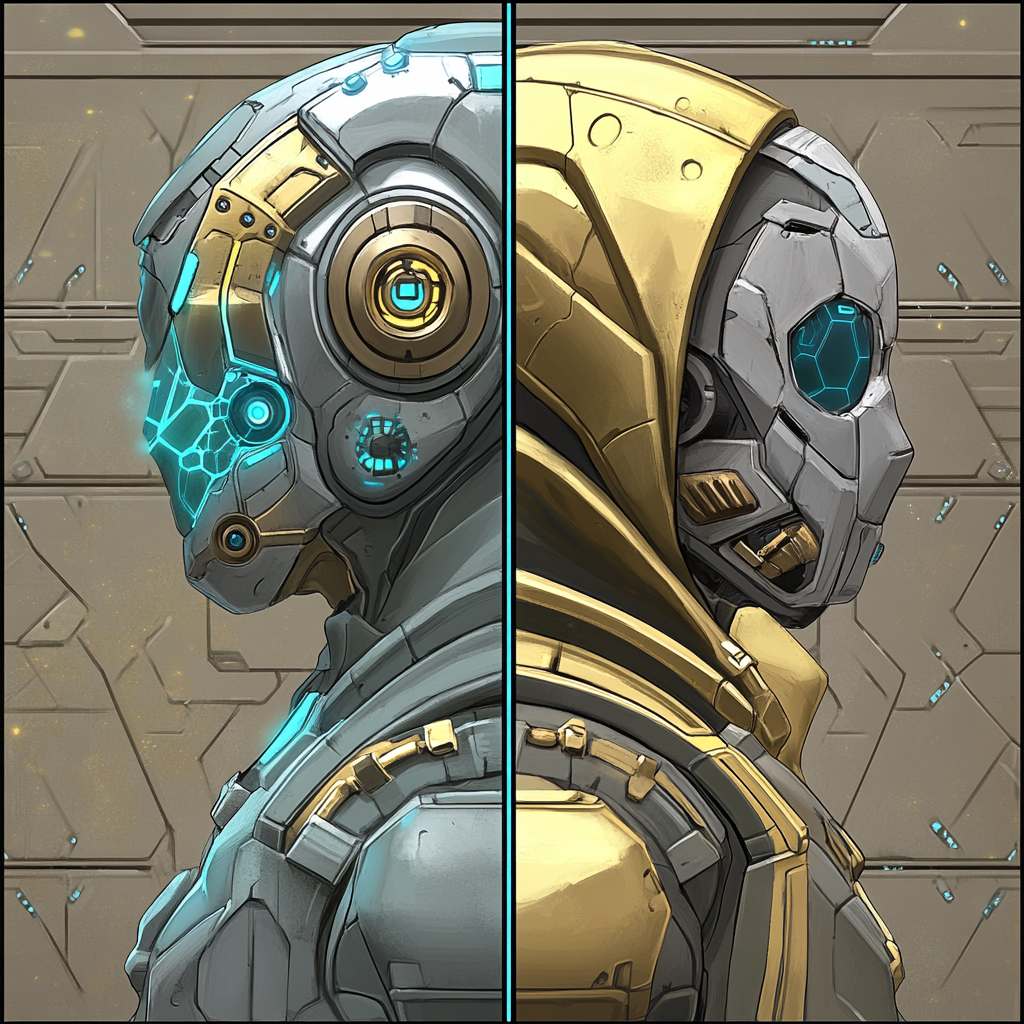
Jump Basic: Jump to target location over small obstacles or enemies. Upgraded: Jump even further. |
 |
Teleport Exchange Basic: Swap your position with a teammate. Upgraded: Swap your position with a teammate and then regain the action point you spent for this card. |
| Knight Cards | |
|---|---|
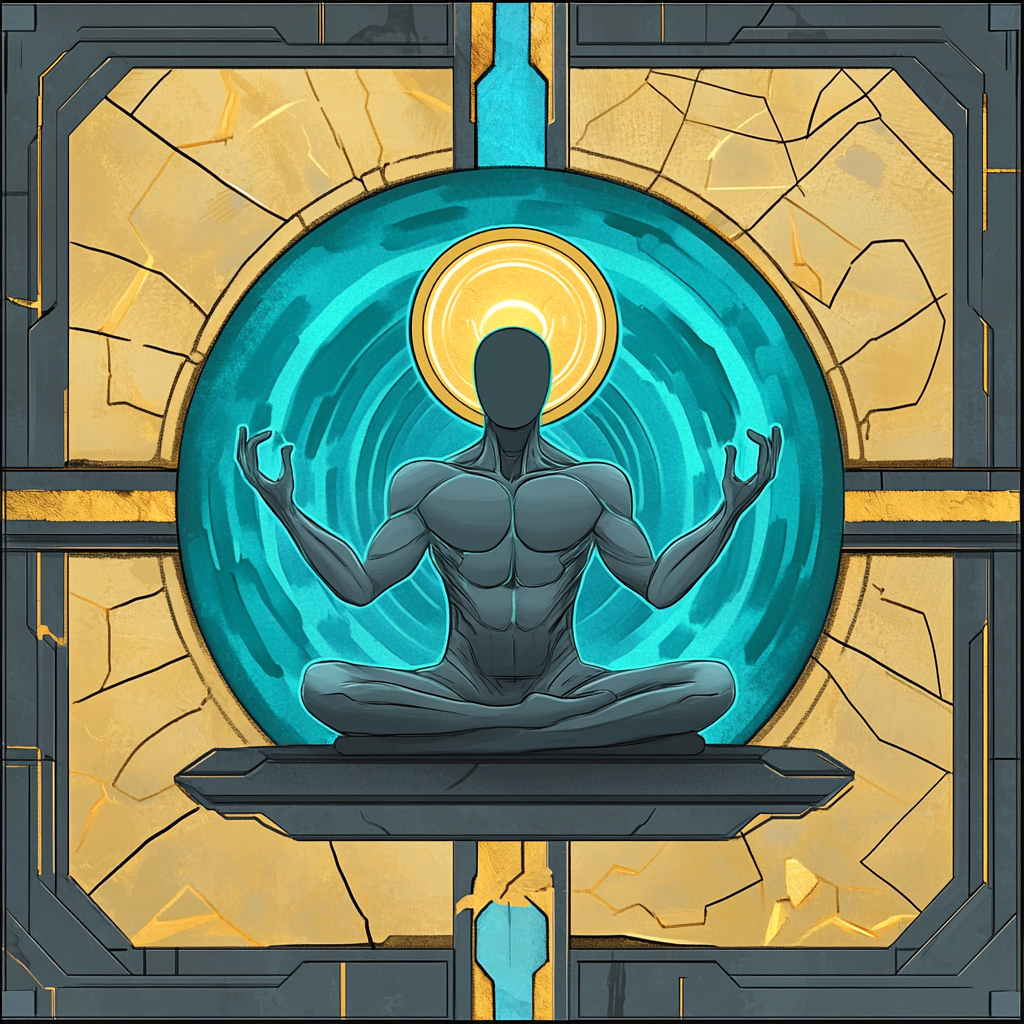 |
Mend Basic: Regenerate up to 3 Hitpoints. This card can only be played on yourself. Upgraded: Regenerate up to 5 Hitpoints. Still only playable on yourself. |
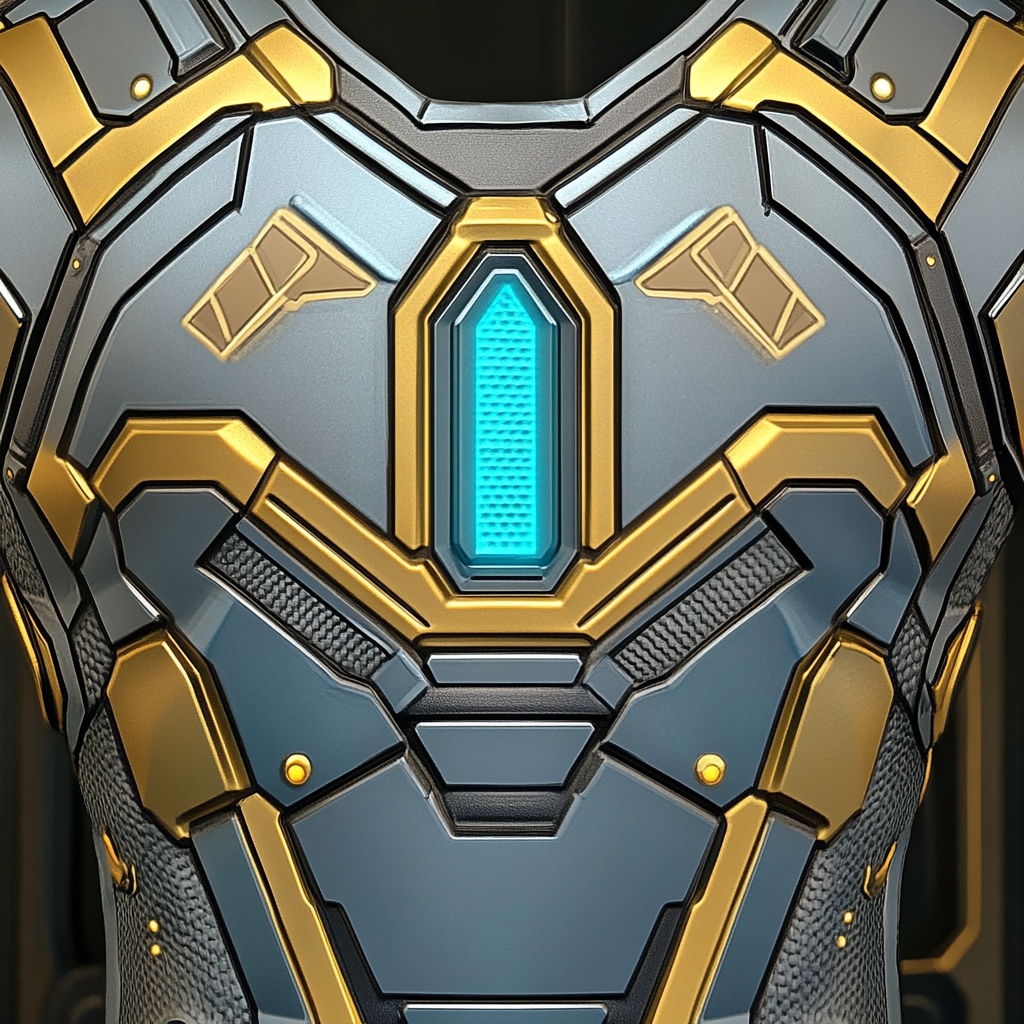 |
Repair Armor Basic: Fully restore your armor points. Can only be played on yourself. Upgraded: In addition to the basic effect all other heroes in the game receive one armor point. |
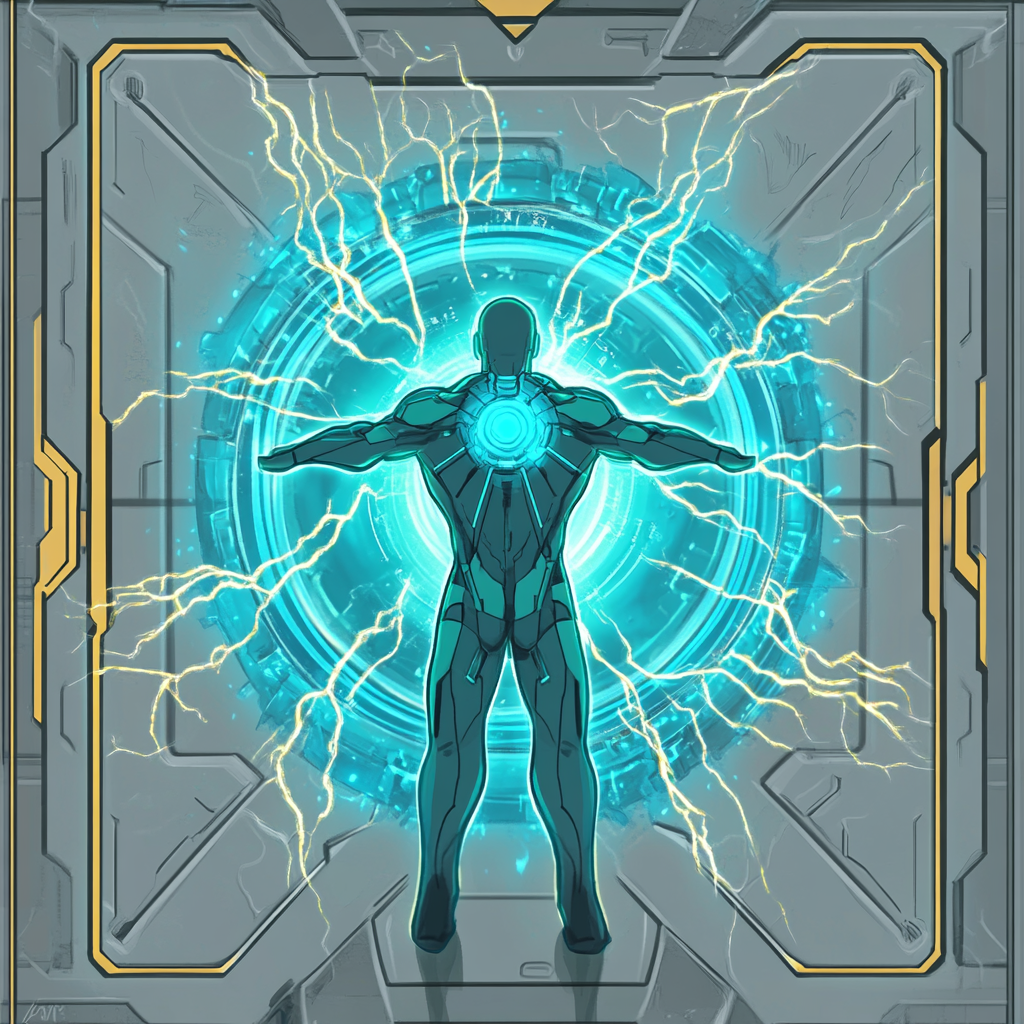 |
Redeploy Shield Basic: Immediately skip shield recharge time. Upgraded: Immediately skip shield recharge time for you and a random other hero. |
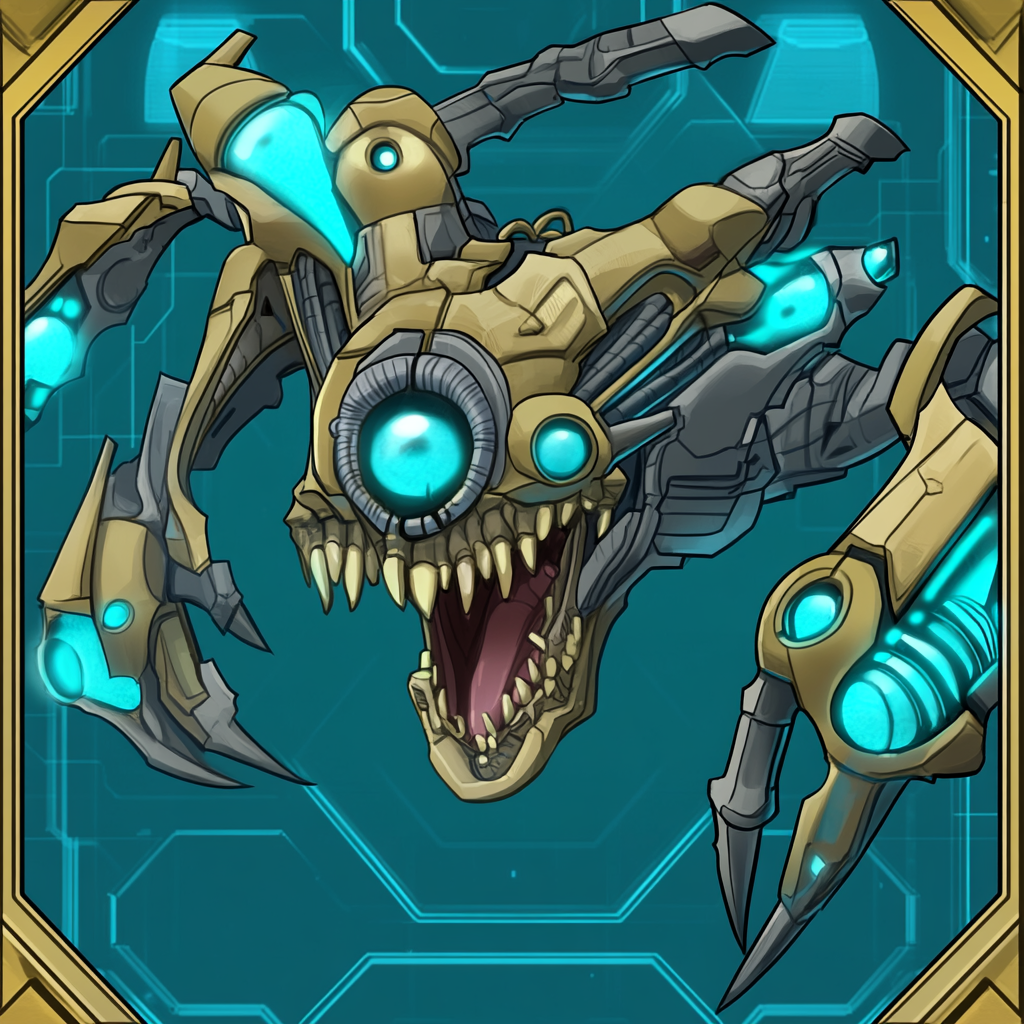 |
Taunt Basic: Enrage nearby enemies to make them more likely to attack you. While under the effect of taunt you receive 1 Hitpoint less damage from attacks. Upgraded: The basic effect and you regain your action point. |
| Psychic Cards | |
|---|---|
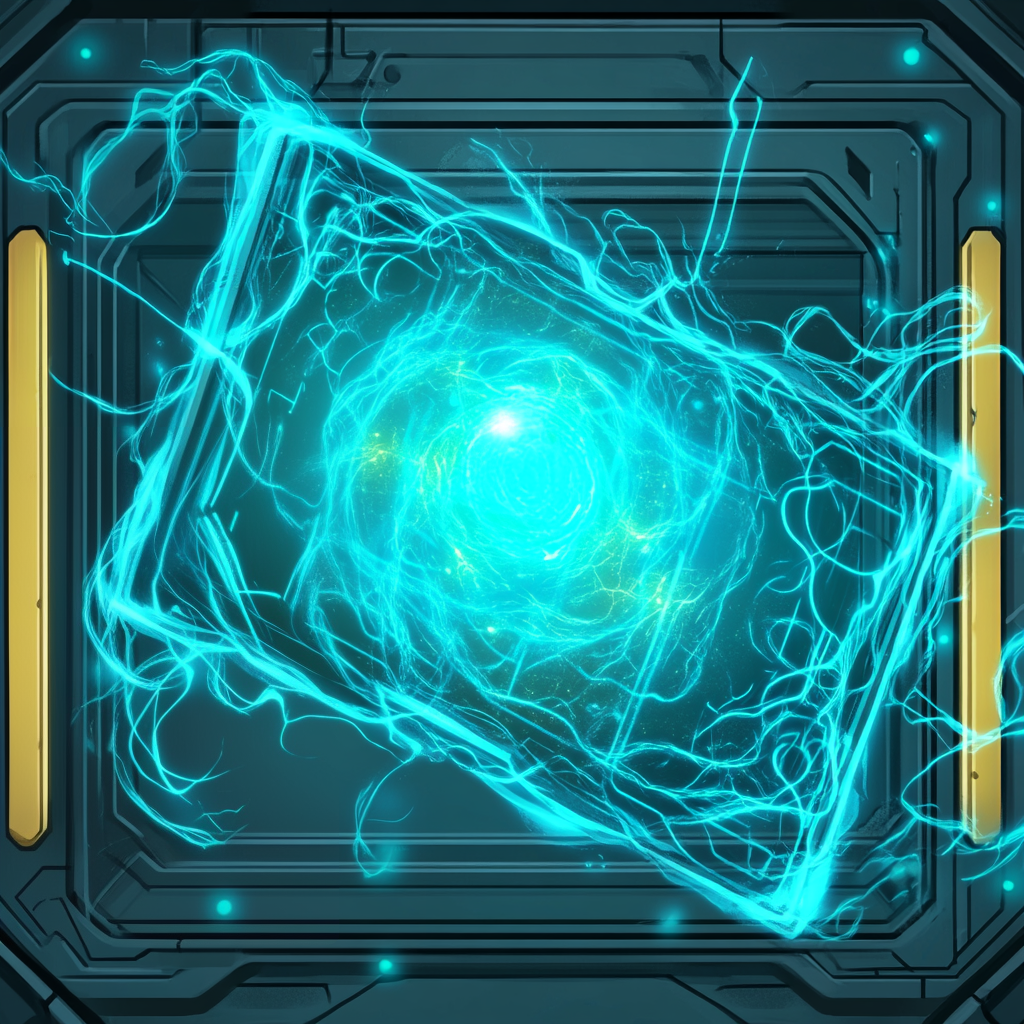 |
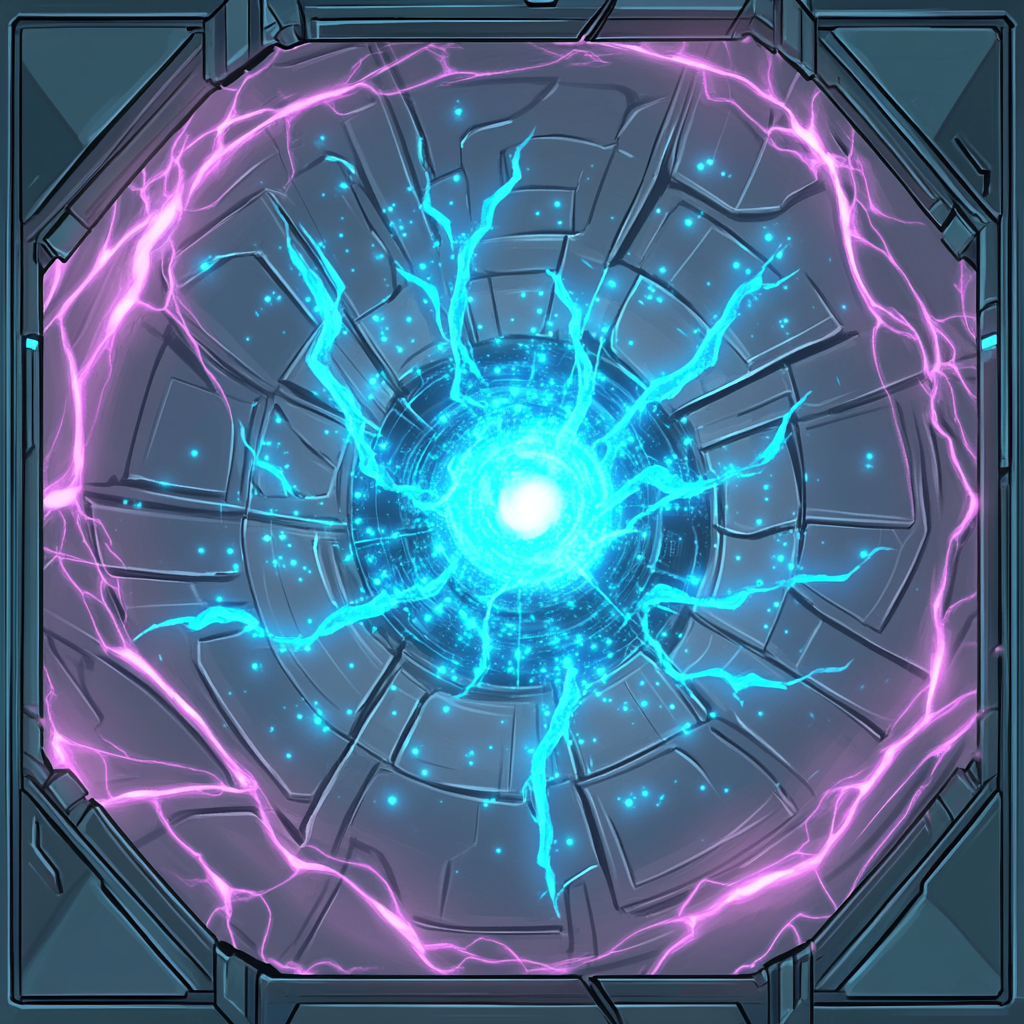
Obstruct Basic: Create a temporary barrier for 2 rounds. Nobody can move or attack through this barrier. Upgraded: Basic effect but also reduces the cooldown of all your other cards currently in cooldown by one. |
 |
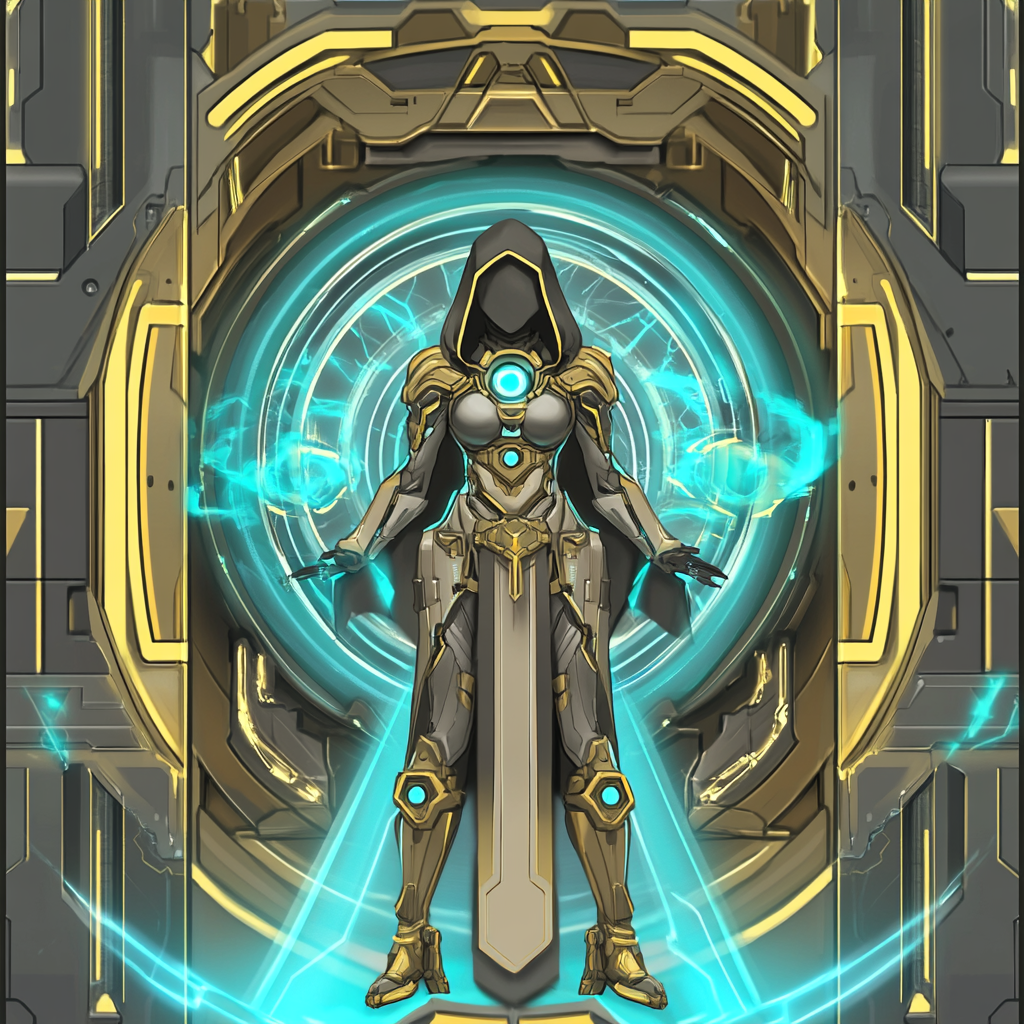
Psychic Shield Basic: Players in area of effect gain 4 shield points. This can cause players to have more than their maximum amount of shield points. Upgraded: All players in area of effect gain 6 shield points instead. |
 |
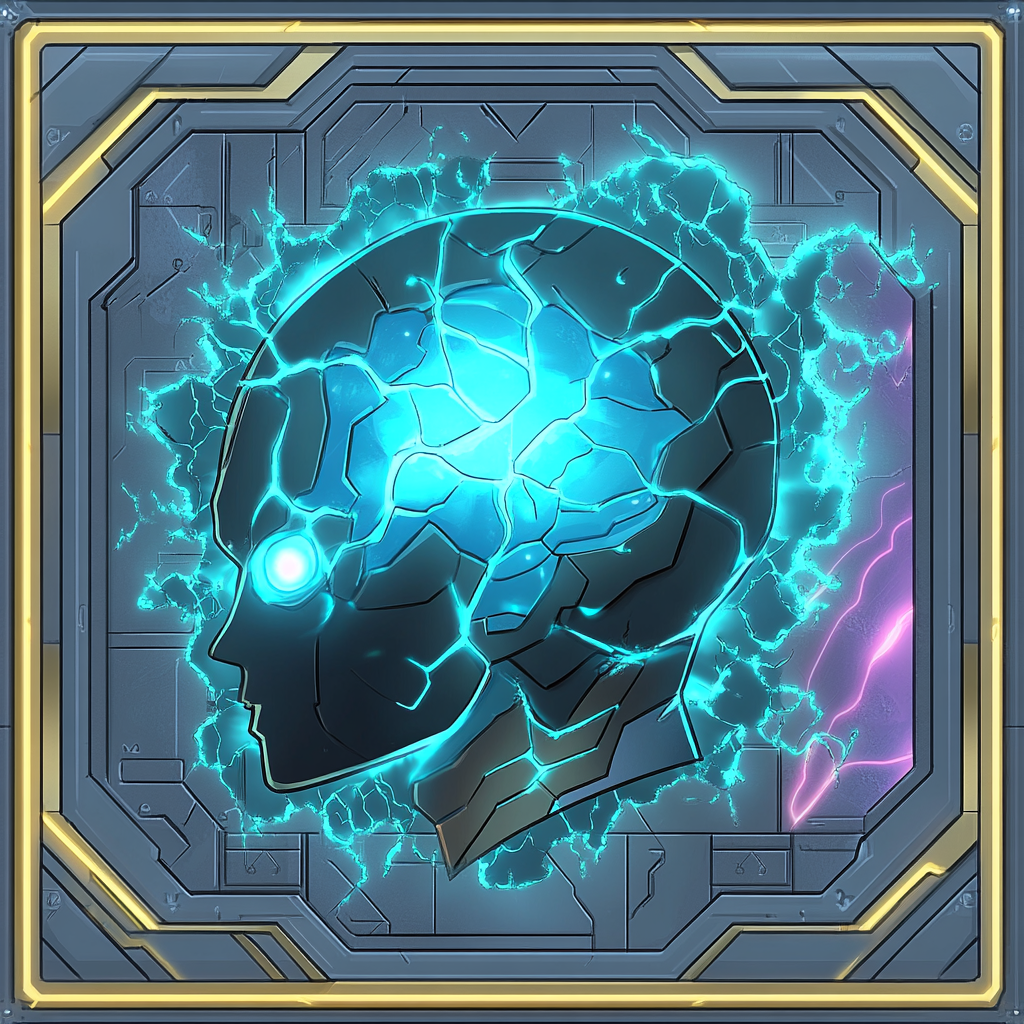
Illusion Basic: Illusion that distracts enemies for up to 3 rounds. Enemies are more likely to attack an illusion near them instead of a player. The illusion can be destroyed if it receives too much damage. Upgraded: Basic effect but the illusion has double the amount of health, armor and shield. |
 |
Charm Basic: Make an enemy fight on your side for a couple rounds or until a hero attacks this enemy. Upgraded: Make up to two enemies fight for you. The second enemy will be the closest to the one targeted. |
| Assault Cards | |
|---|---|
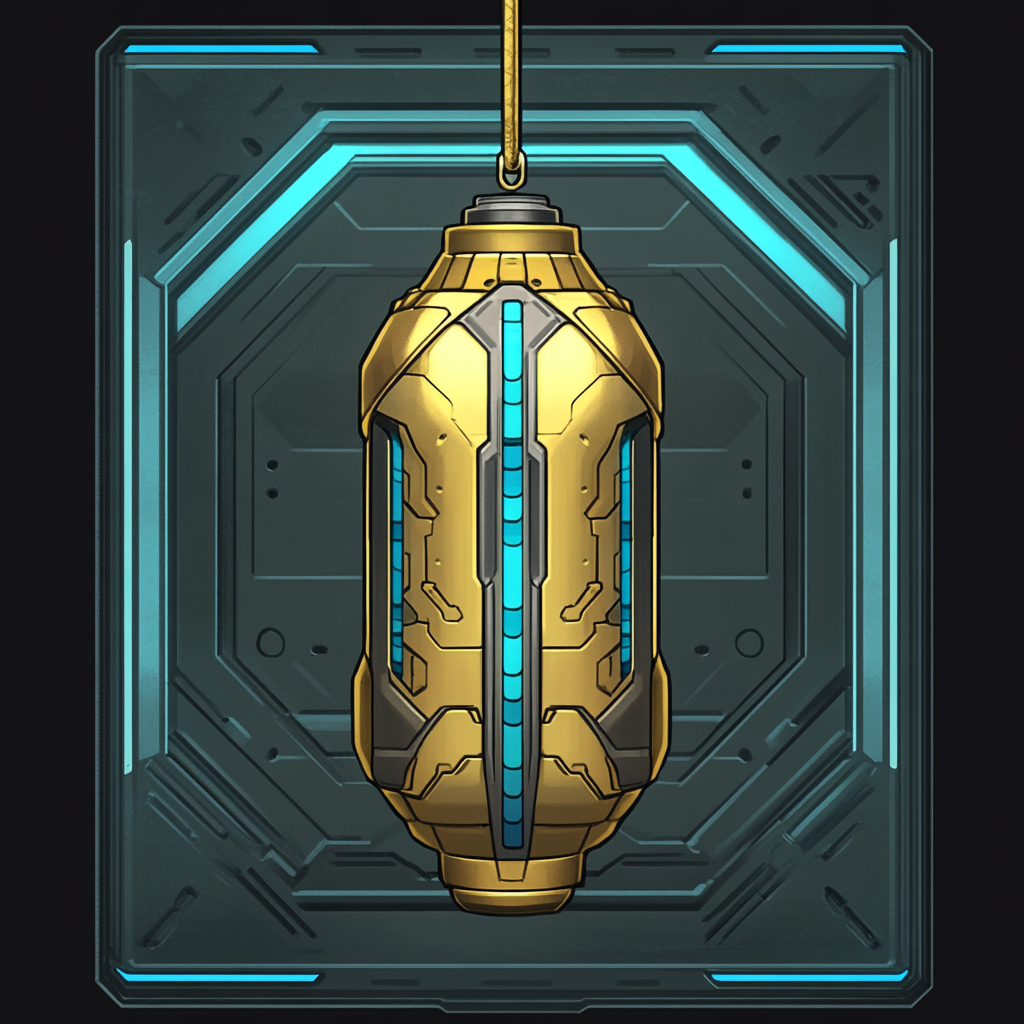 |
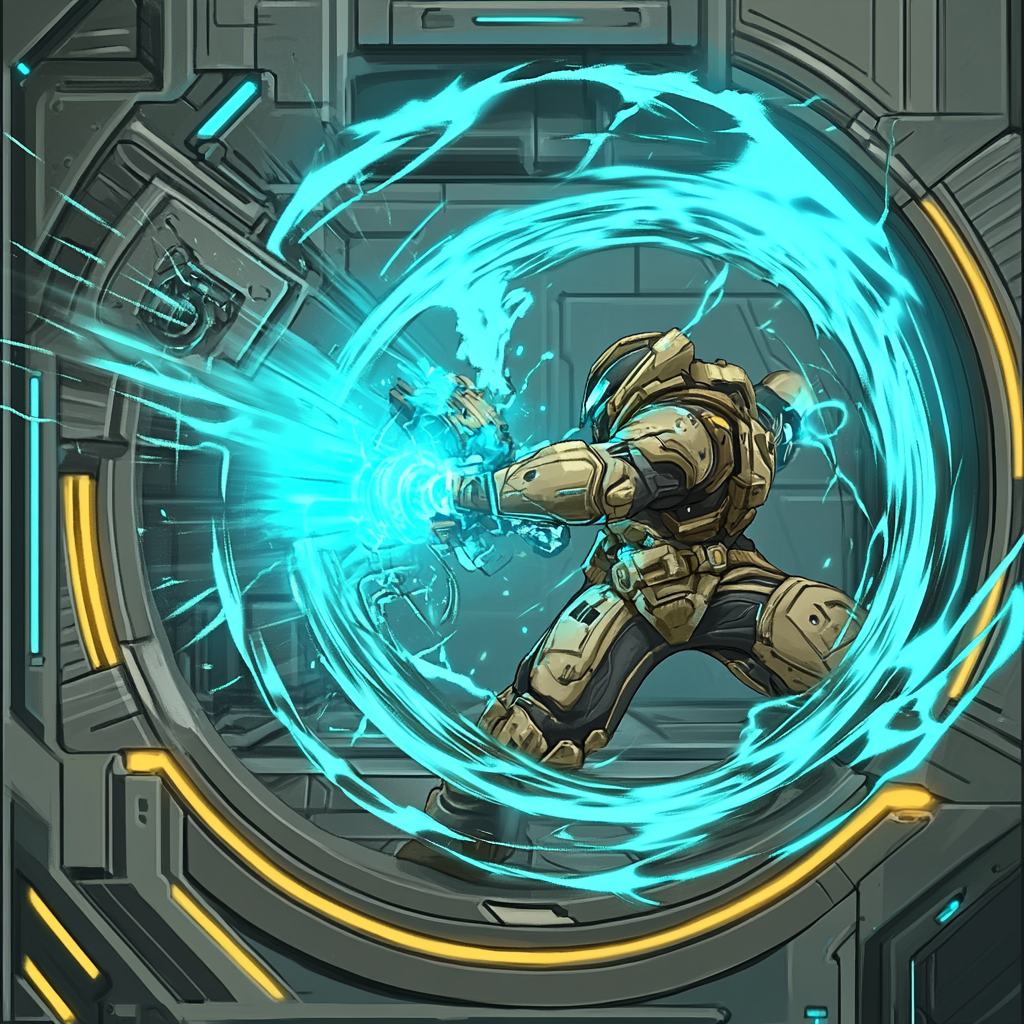
Ka-Boom Basic: Deal 4 area damage. This will damage enemies and heroes alike so be careful. Upgraded: Deal 7 area damage instead. |
 |
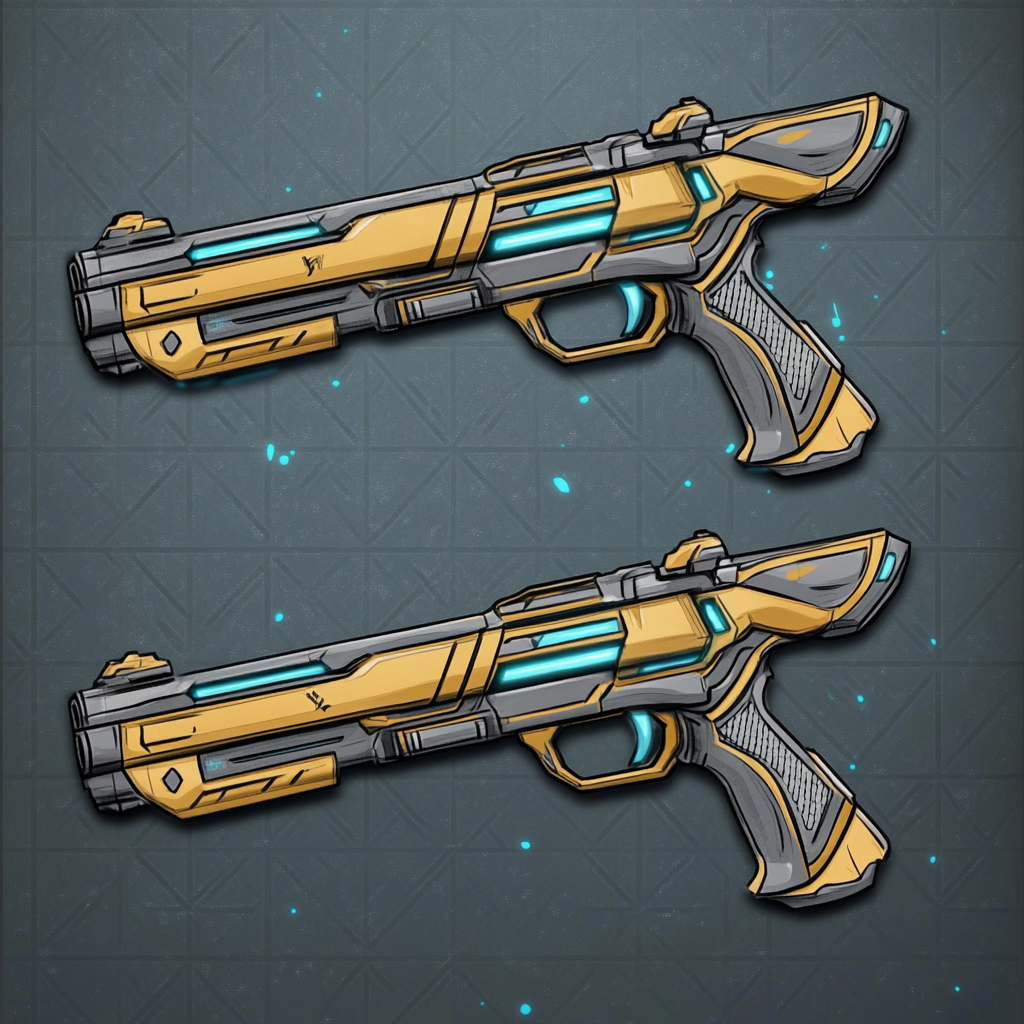
Overcharge Basic: Next basic attack will deal double damage. You can use this card on other heroes as well. Upgraded: In addition to double damage the next basic attack will also cost no action point. |
 |
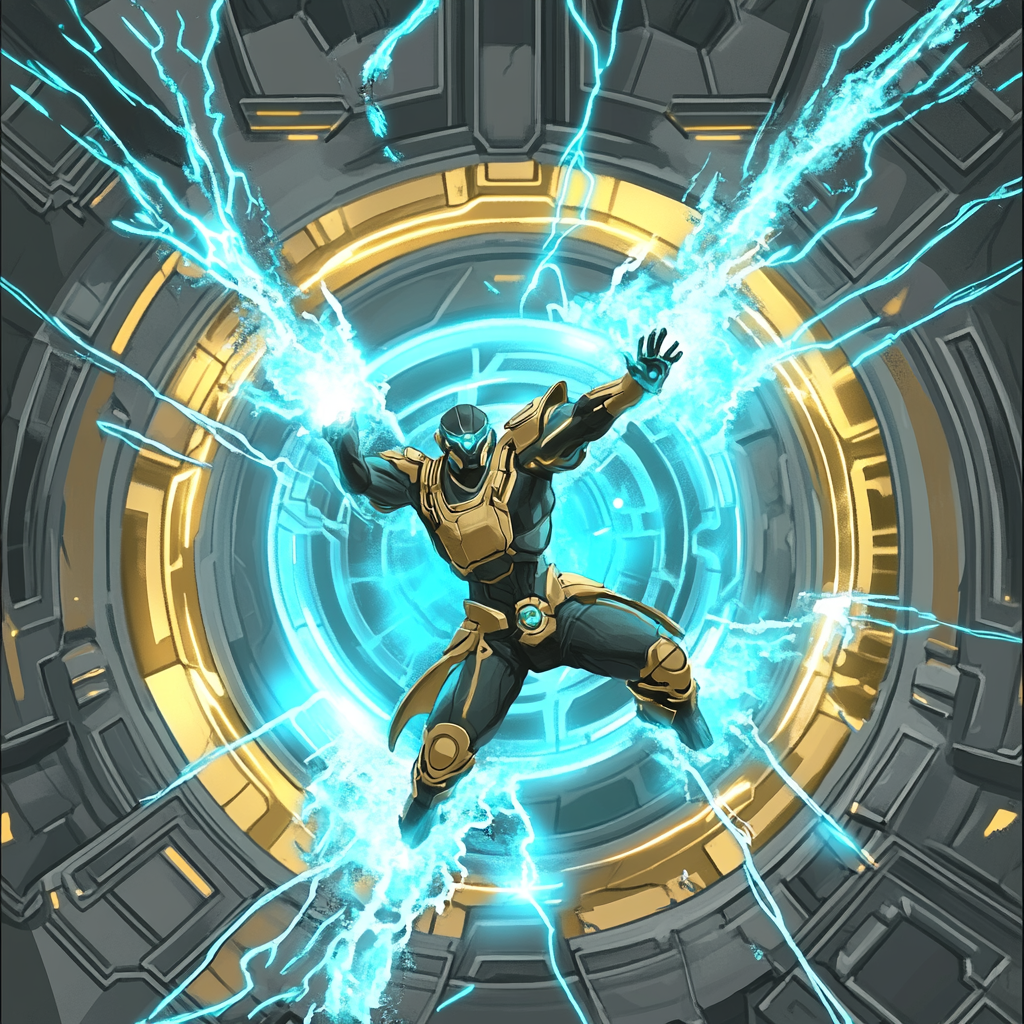
Double Tap Basic: Next 2 basic attacks will cost no actions. Upgraded: Next 3 basic attacks will cost no actions. |
 |
Aggression Booster Basic: Pay 5 Hitpoints and 2 actions points to trigger all your core cards. These are the three cards shown over this card. The basic effects of these cards will be used. Upgraded: Instead of triggering the basic versions, the upgraded card effects of the three cards above will be used. |
| Common Cards | |
|---|---|
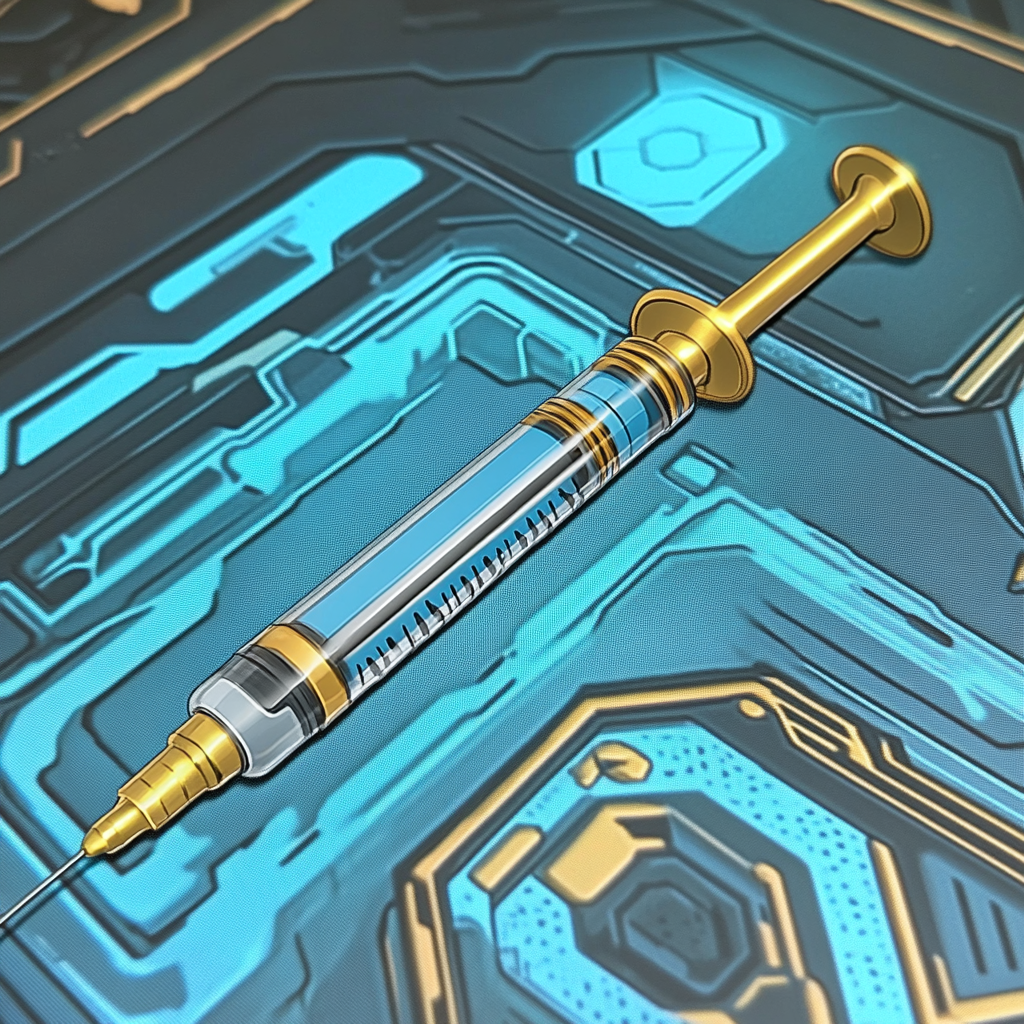 |
Stim Shot Heal 60 percent of missing health and gain 1 action point. This card can be played on teammates. You can't use this card twice on the same player in the same round. |
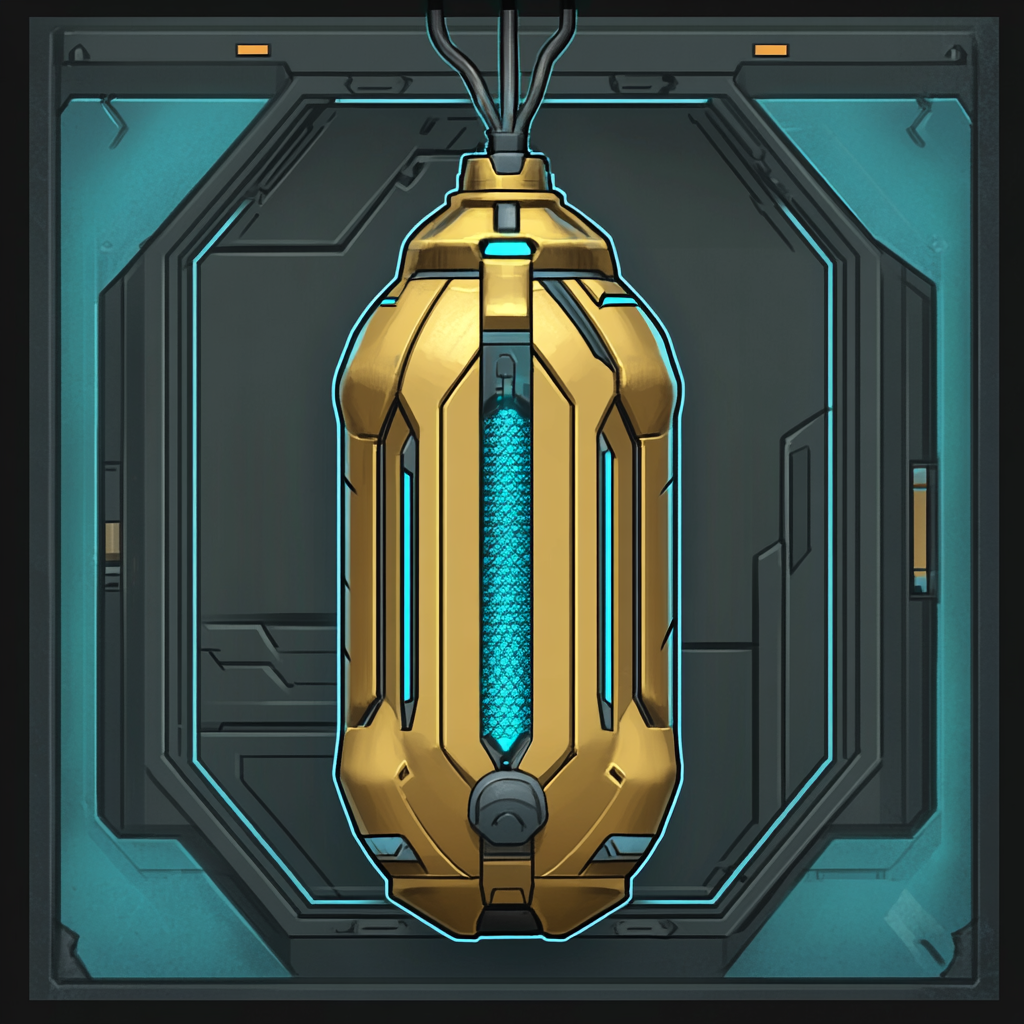 |
Frag Grenade Deals 4 area damage with no additional effects. Will damage everything inside area of effect. Shields can help to mitigate damage. |
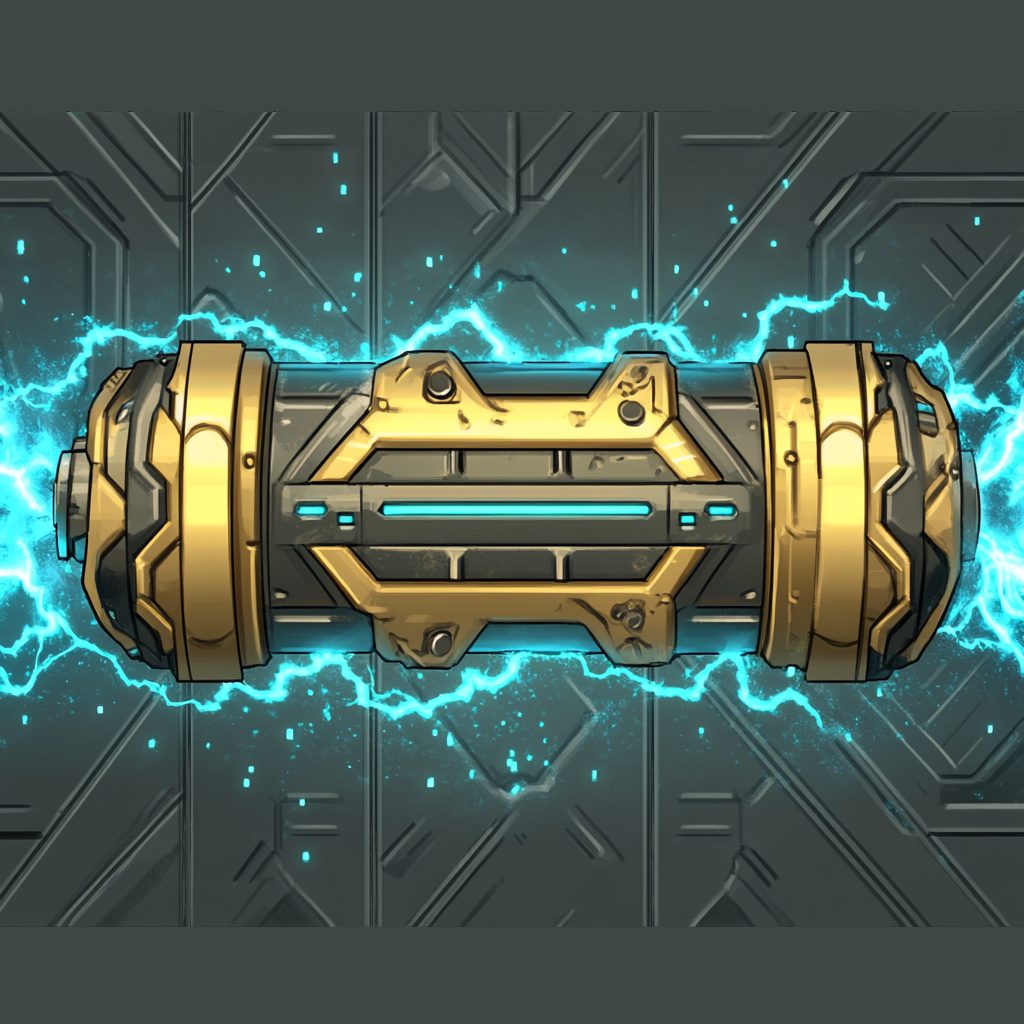 |
Stun Grenade Deals 3 area damage and applies the stun effect to all targets. Stunned targets can't move next turn, they can still attack though. |
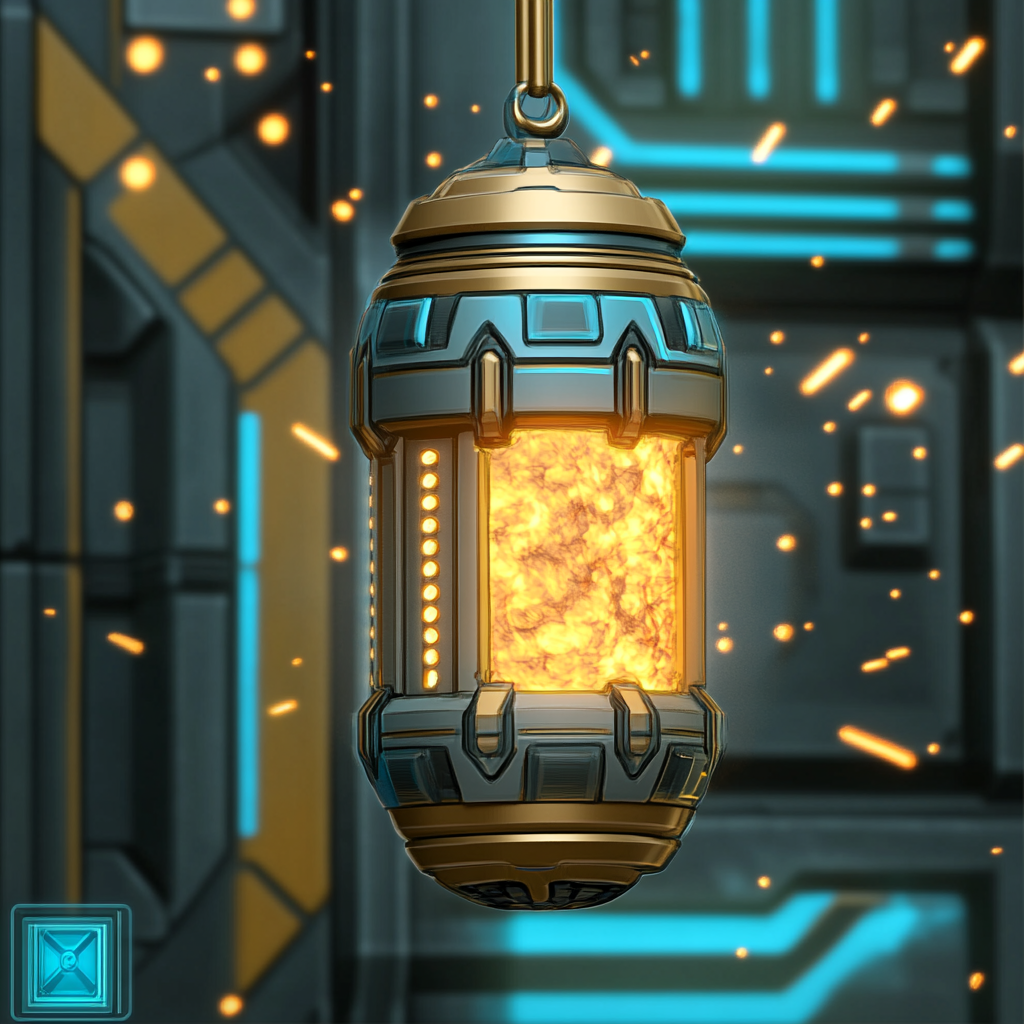 |
Fire Grenade Deals 3 area damage and applies the burn effect to all targets. Burning will deal health damage for a couple rounds. |
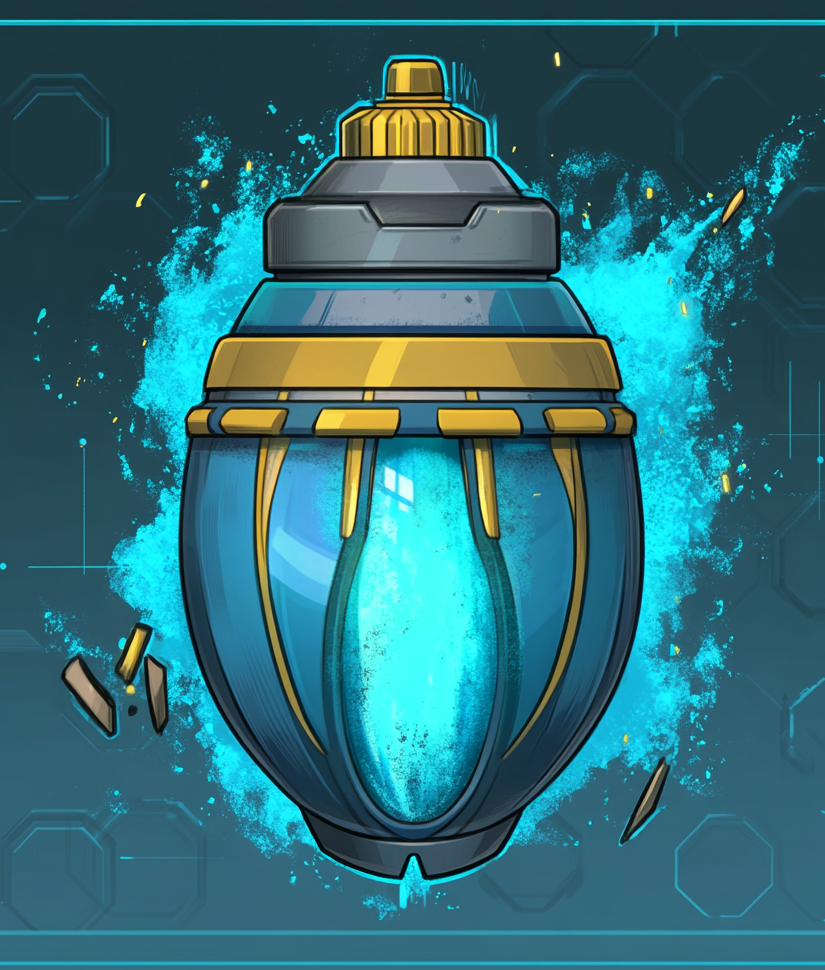 |
Corrosive Grenade Deals 3 area damage and applies the corrosive effect to all targets. Corrosion weakens armor for a while. |
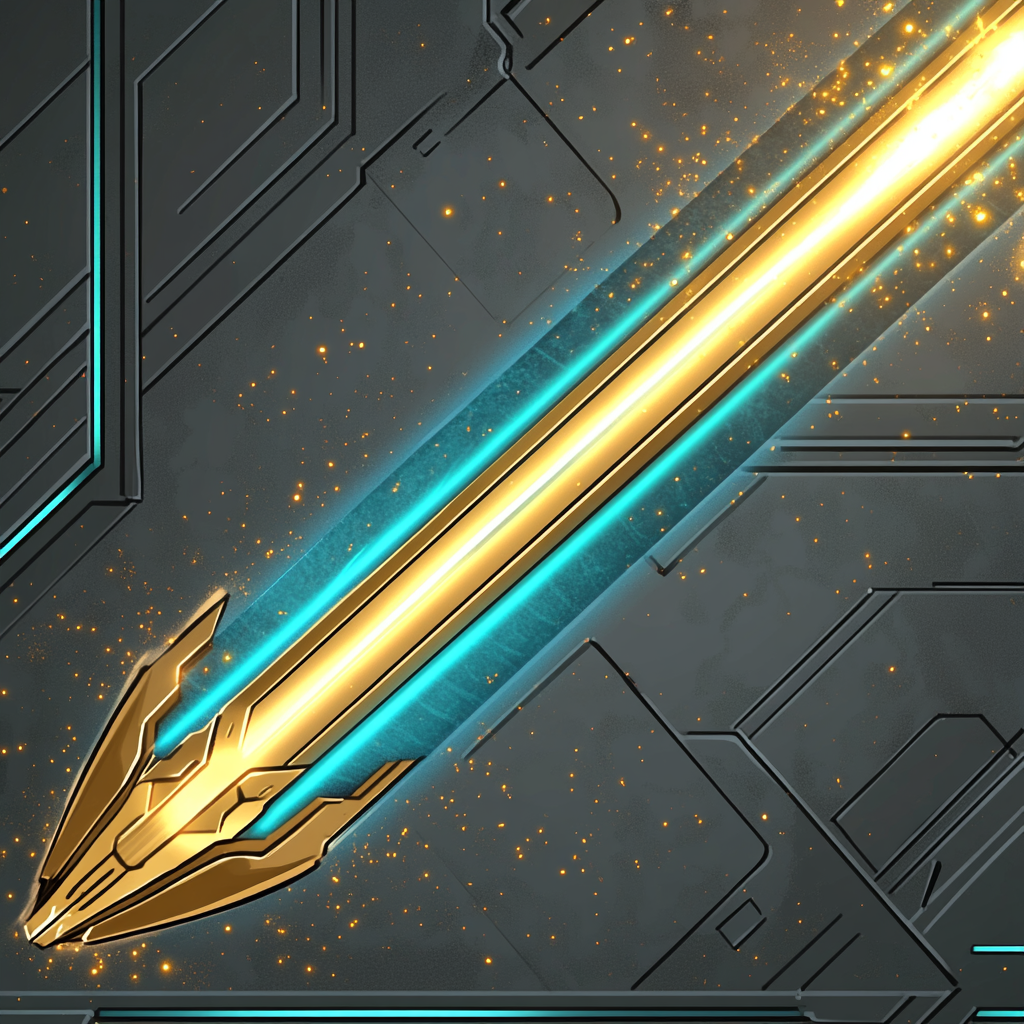 |
Laser Turret Constructs a laser turret which automatically attacks nearby enemies. Will persist like any turret until destroyed or out of ammunition. Destroying a turret will leave behind a fire hazard. |
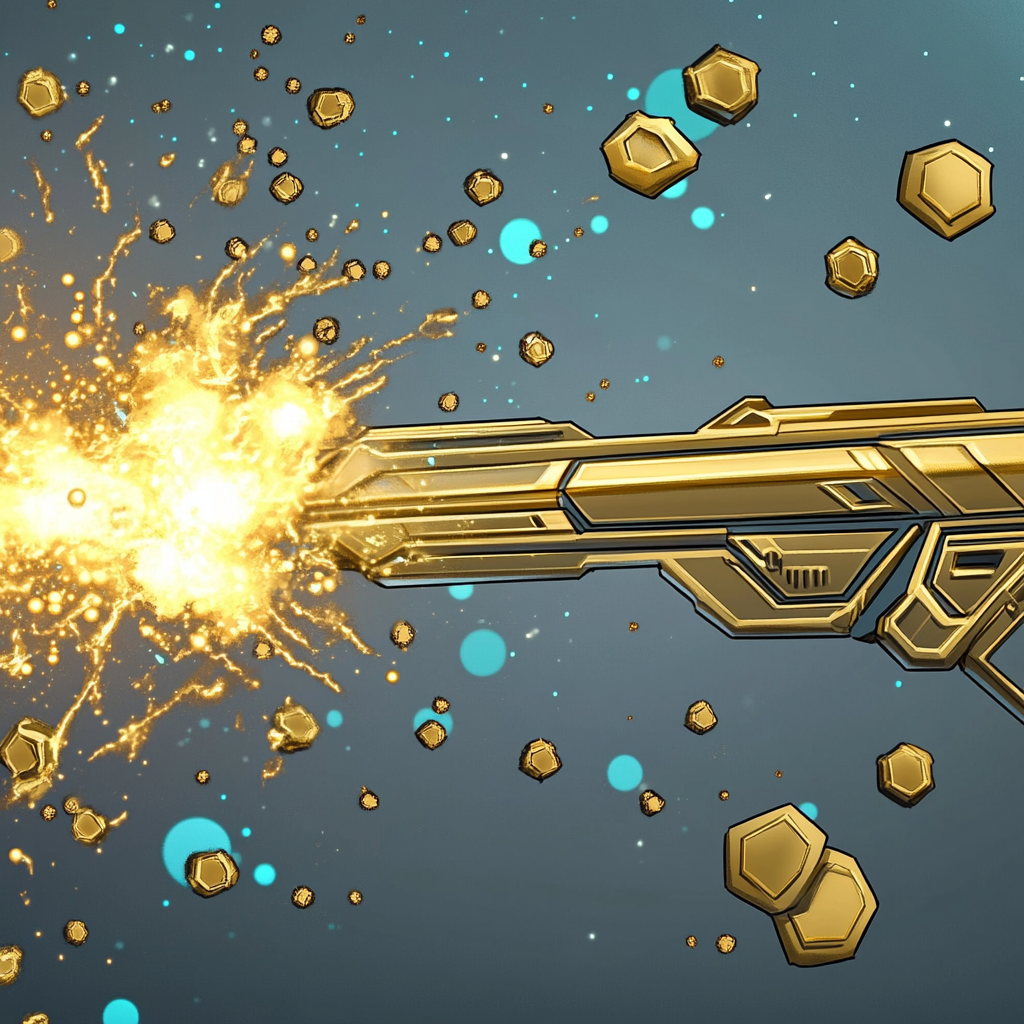 |
Shotgun Turret Constructs a shotgun turret with low range but area of effect. Make sure to avoid standing near enemies or you may be hit by your own turret. |
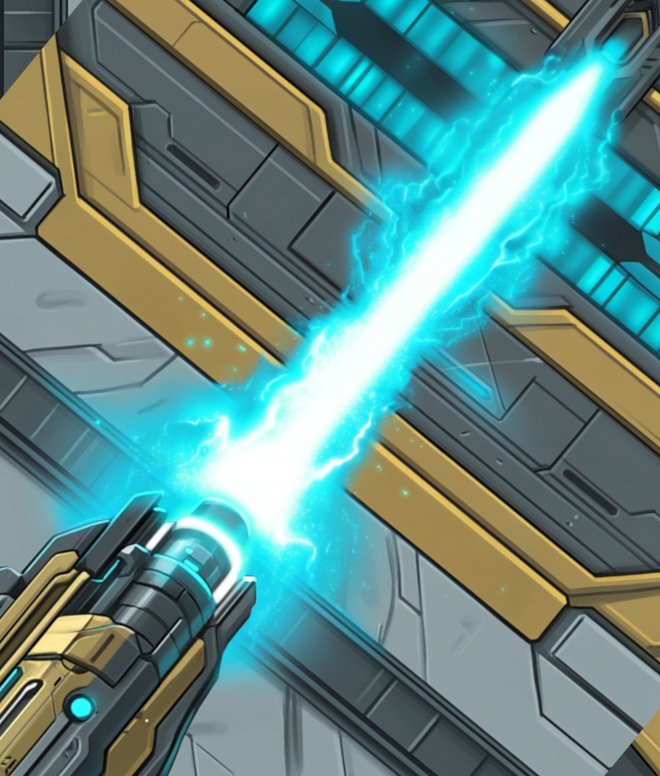 |
Railgun Turret Constructs a railgun turret which can shoot through walls. Like all turrets it has limited ammunition. This turret has a maximum range in which it can target enemies. |
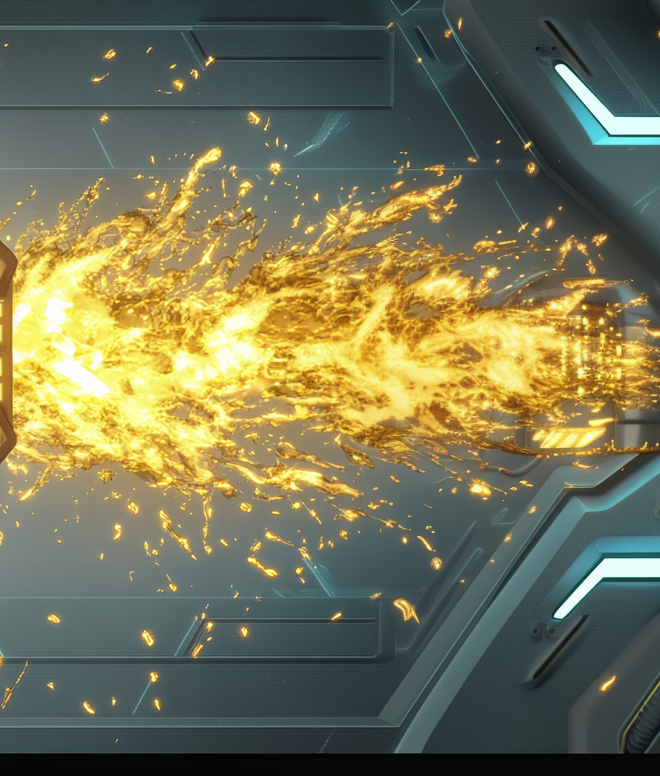 |
Flamer Turret Constructs a flamer turret which burns enemies. Short range, deals cone damage and causes burning affliction. |
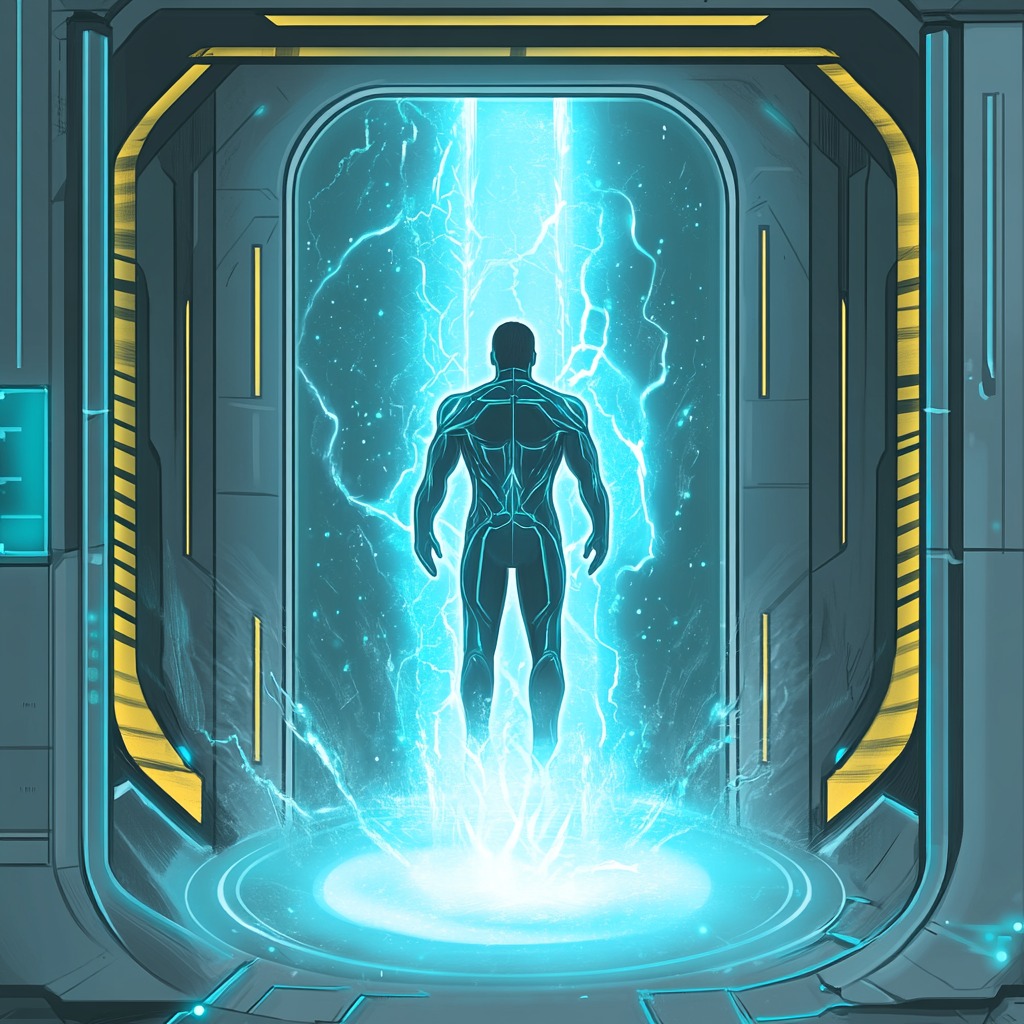 |
SRP Teleporter Short Range Personal Teleporter. Teleports the user to target location. |
| Robot Enemies | |
|---|---|
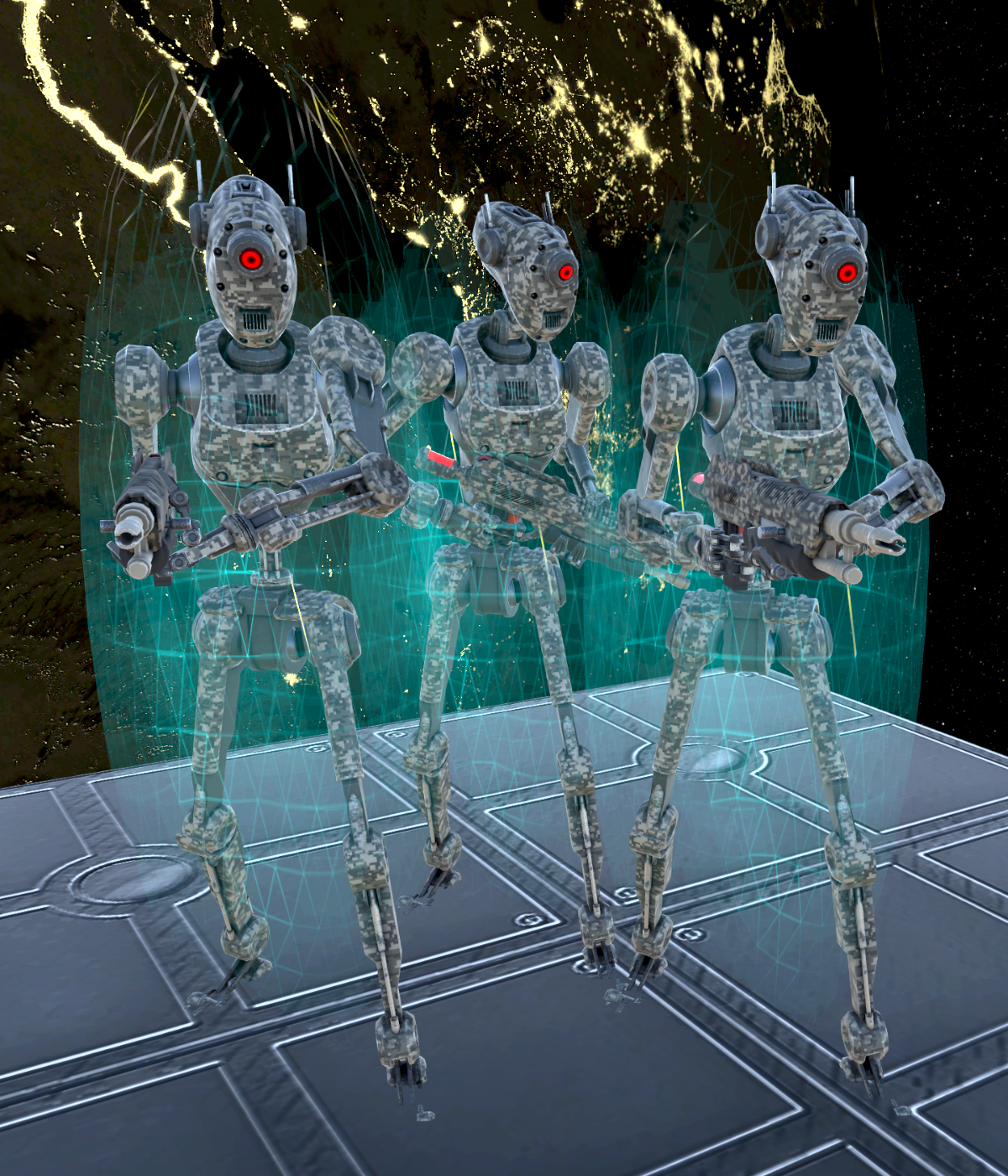 |
Battle Droids The most common robotic enemies. They patrol the corridors of space stations searching for intruders to purge. One such Droid isn't a big challenge, but they usually appear in great numbers. Especially in key locations like the main generator. |
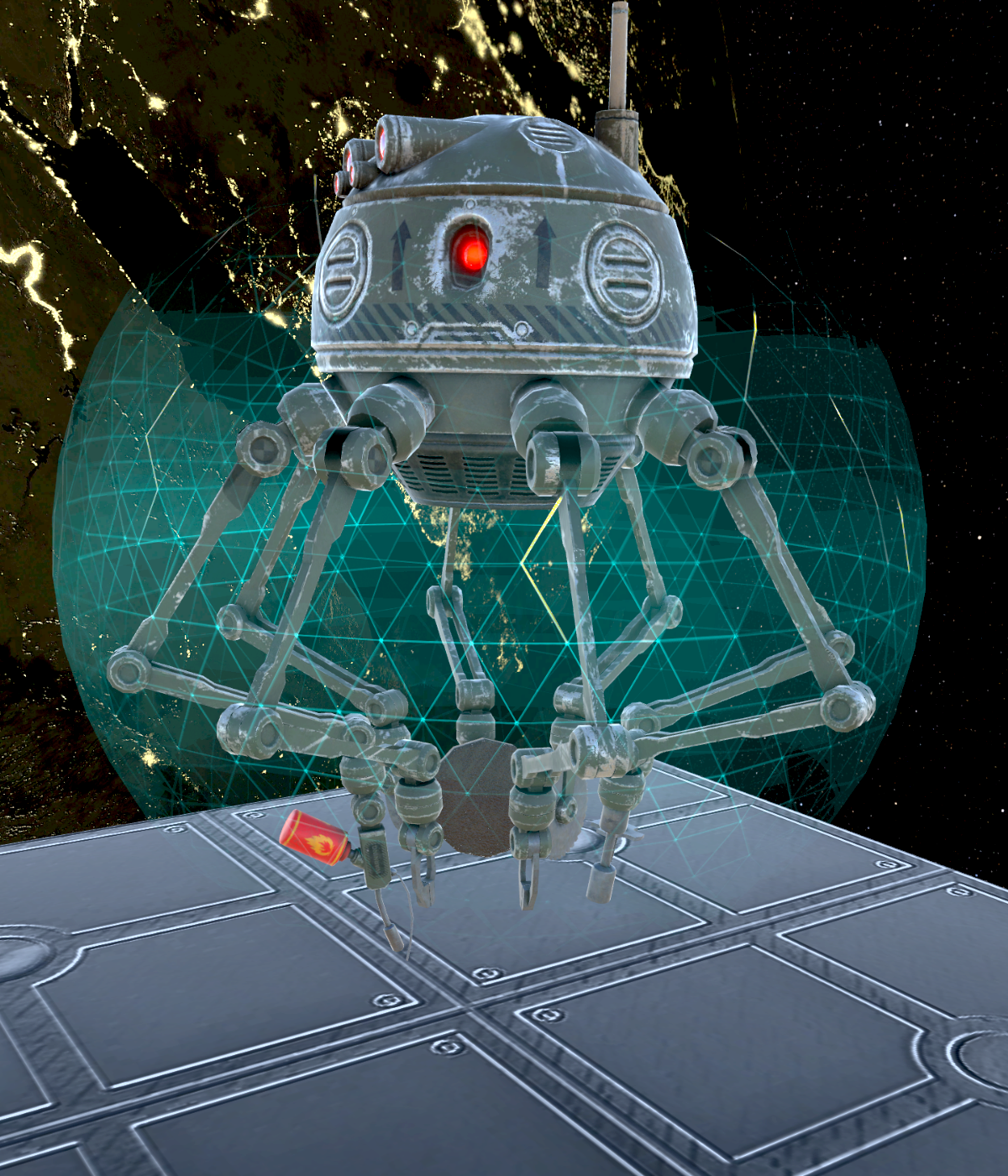 |
Spider Droids Repair damaged robots. They are unarmed but can replenish health, armor and shields of other robotic units nearby. They will flee from intruders if no damaged robots are nearby. |
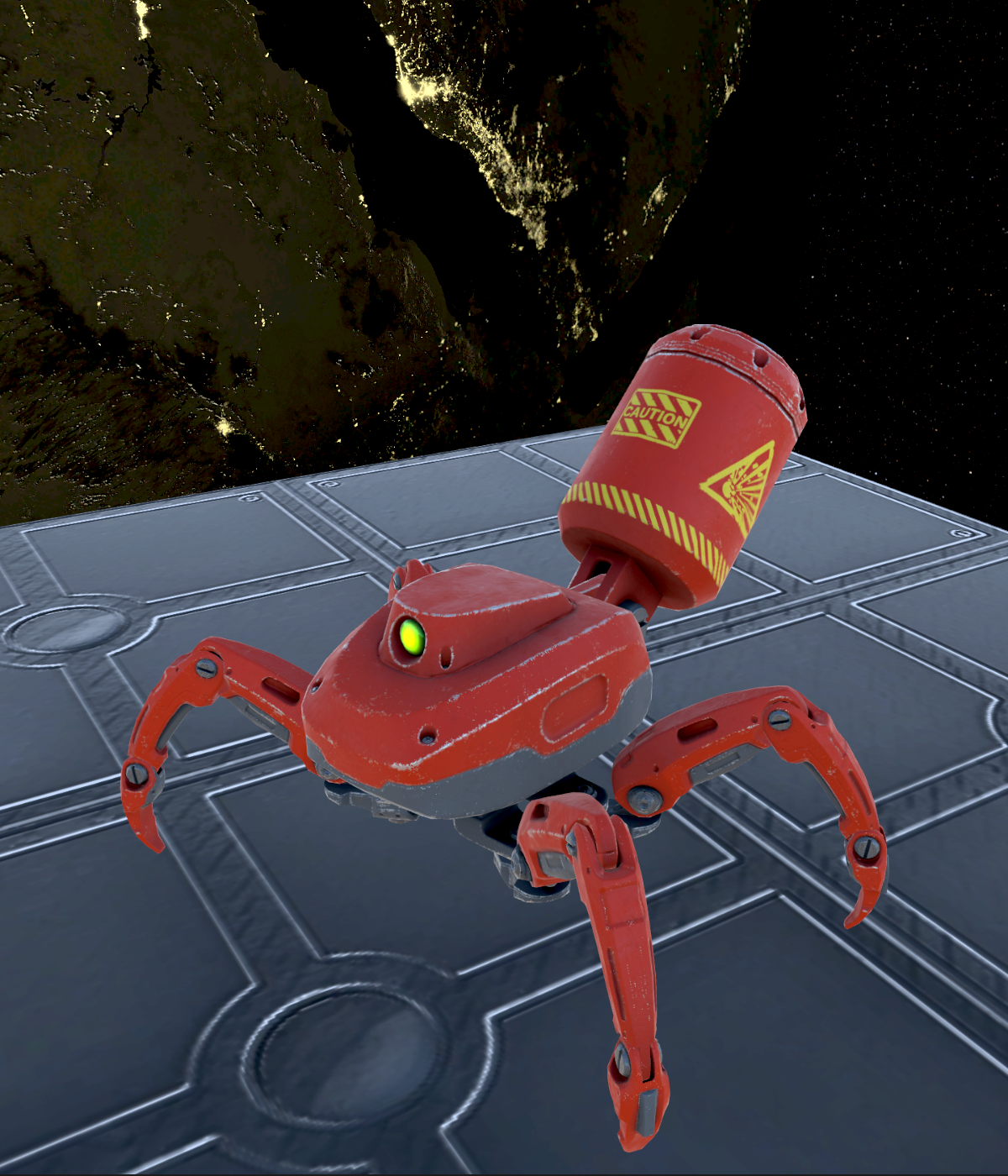 |
Exploders Quickly advance towards an intruder and detonate upon arrival. Caution is advised as shooting an Exploder will cause it to explode. This can be used by clever heroes to detonate Exploders while they are still near other robotic enemies. |
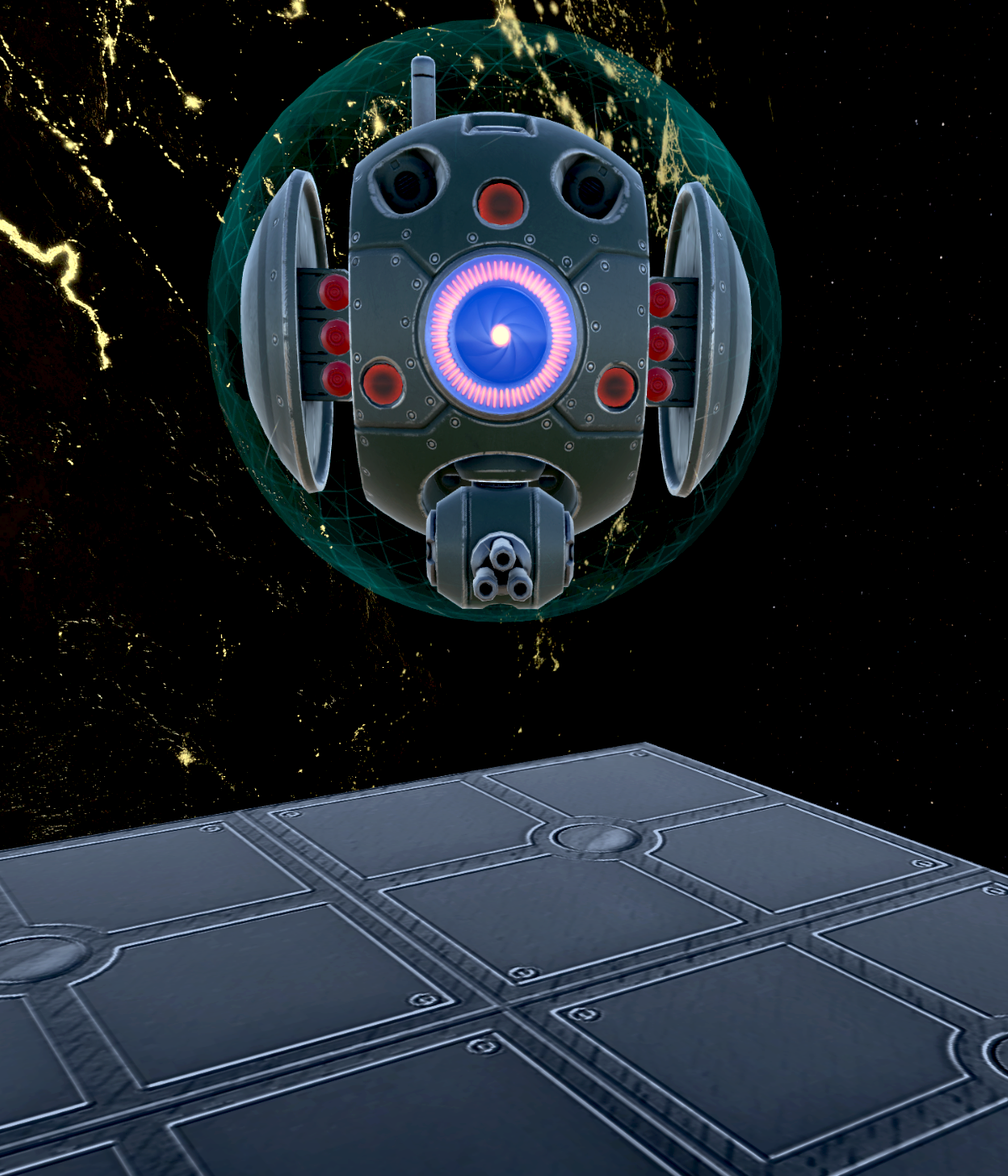 |
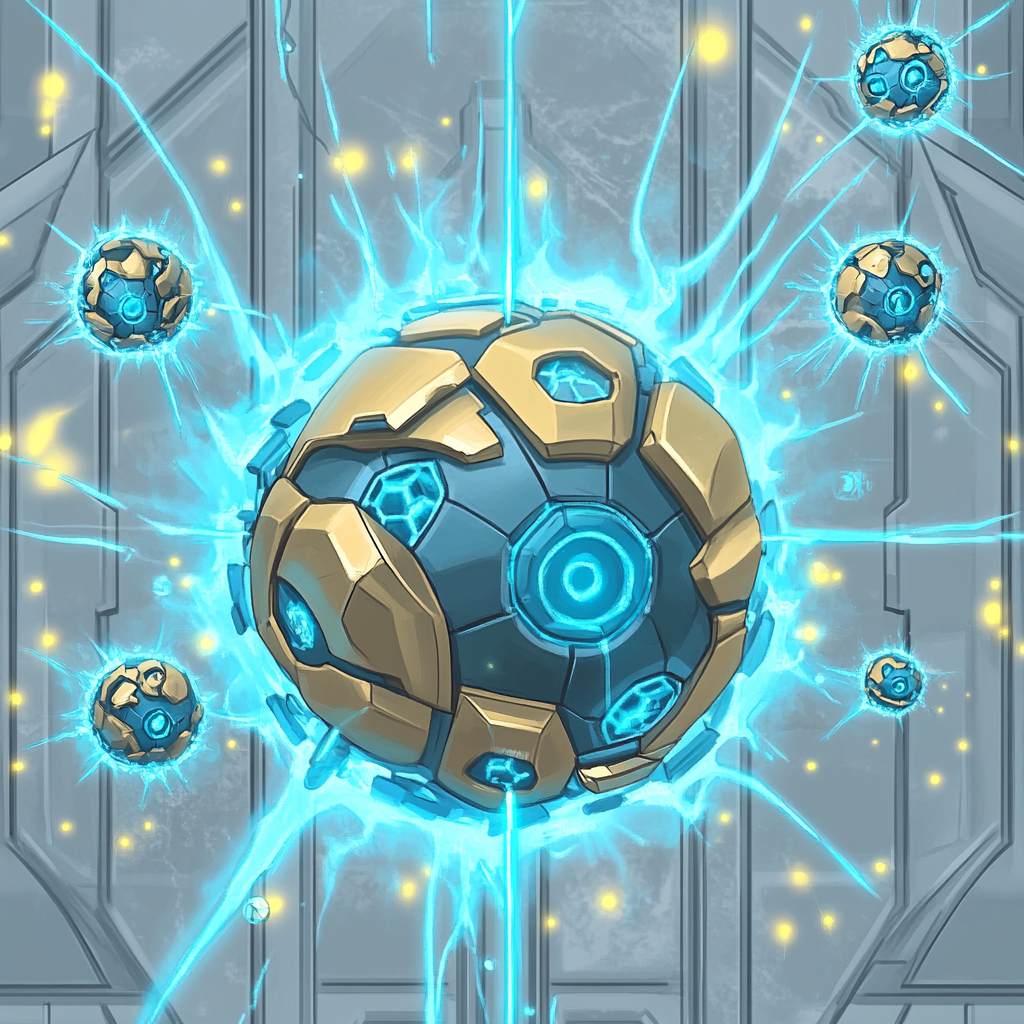
Orbs Can project a large shield dome to protect other robots nearby. In addition they can create hard-light projections of Battle Droids to confuse attackers. Orbs are durable and shouldn't be underestimated. |
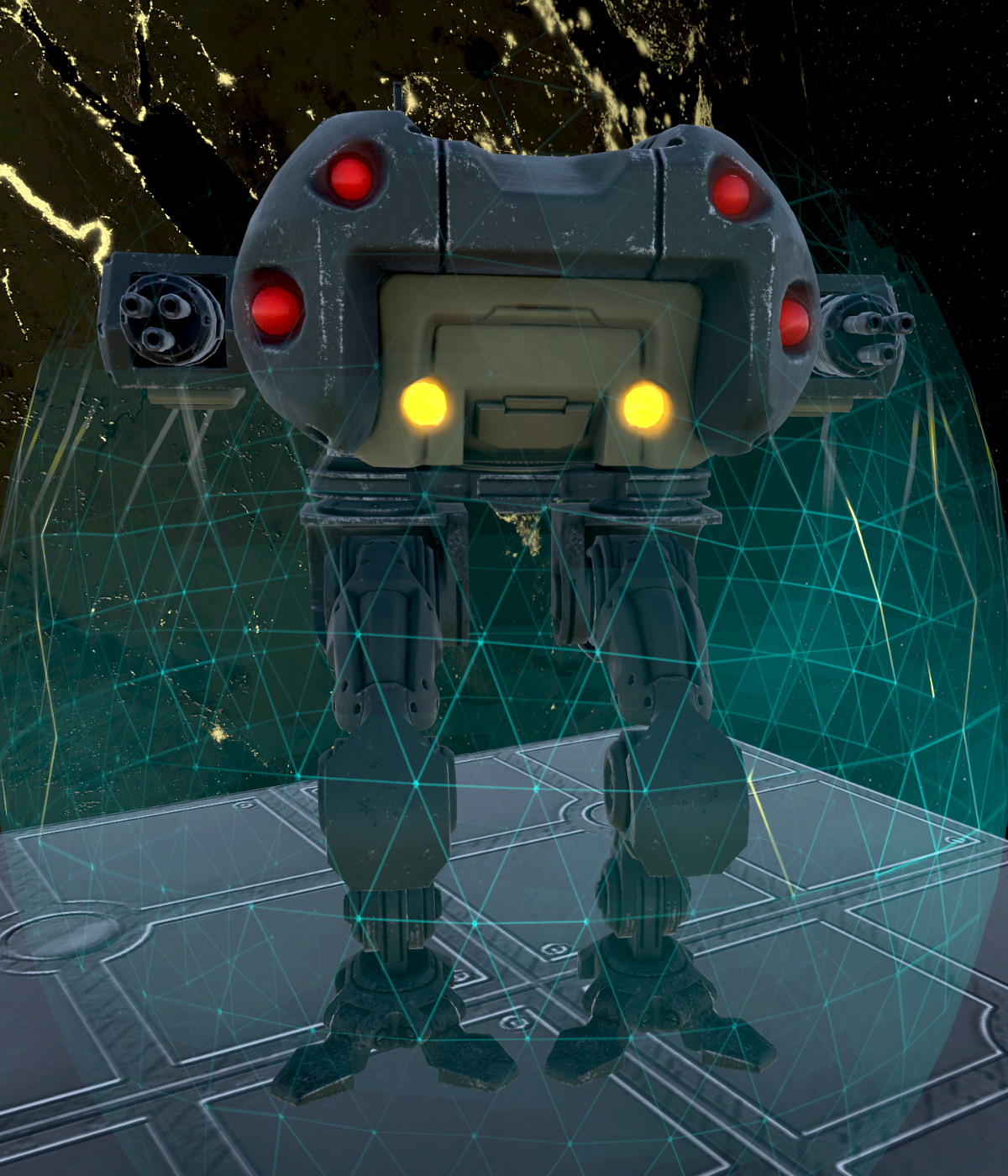 |
Walkers Heavy assault mechs which deal large amounts of damage and are very resilient. They need a round to power up. If you manage a surprise attack you can inflict heavy damage before it counterattacks. Walkers are slow, allowing heroes to disengage when feeling overwhelmed. |
| Swarm Enemies | |
|---|---|
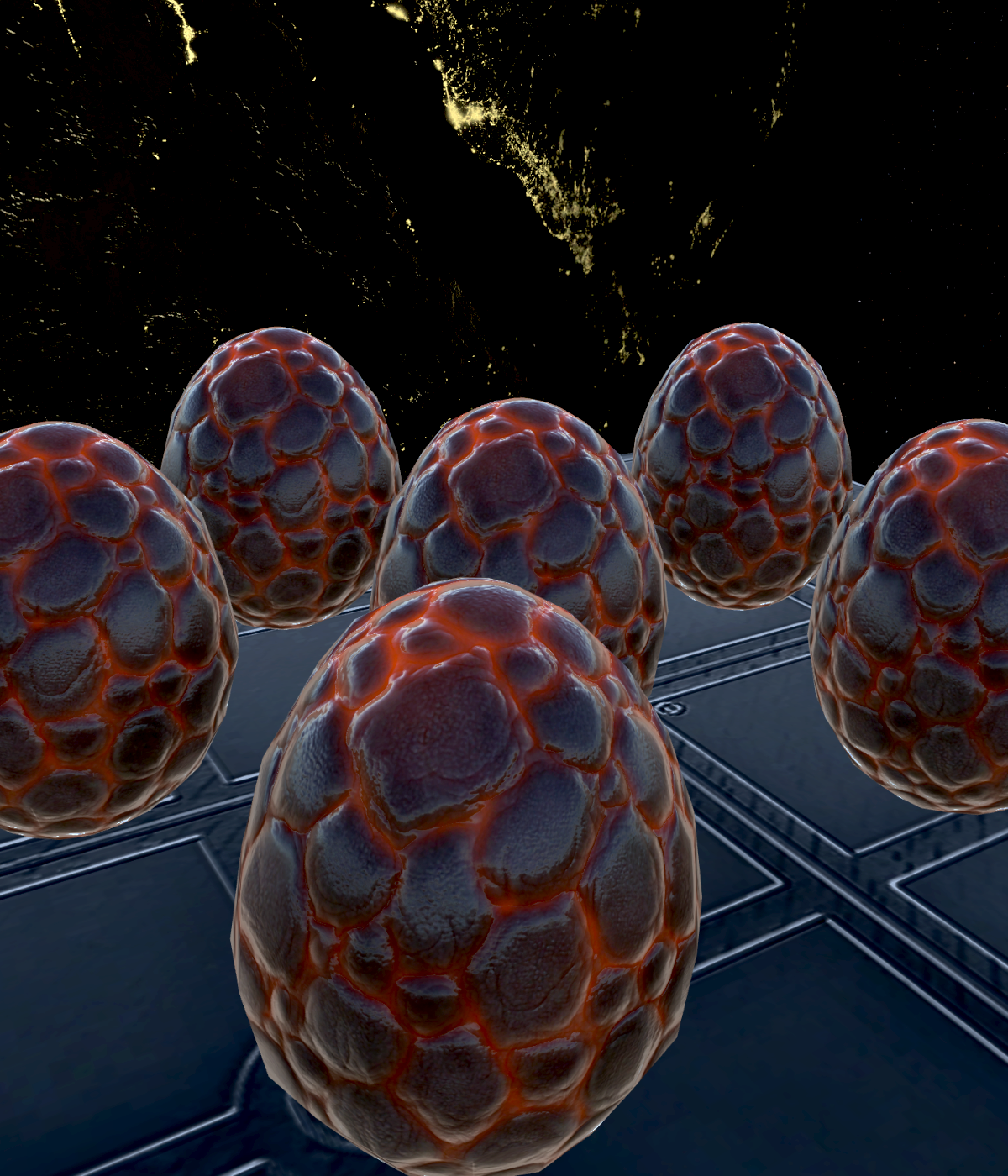 |
Eggs Harmless, but they will eventually hatch and release the larva growing inside. In the enemy phase there is an indication how many turns remain until the egg will hatch. All alien life forms except the eggs will leave pools of acid behind when killed. |
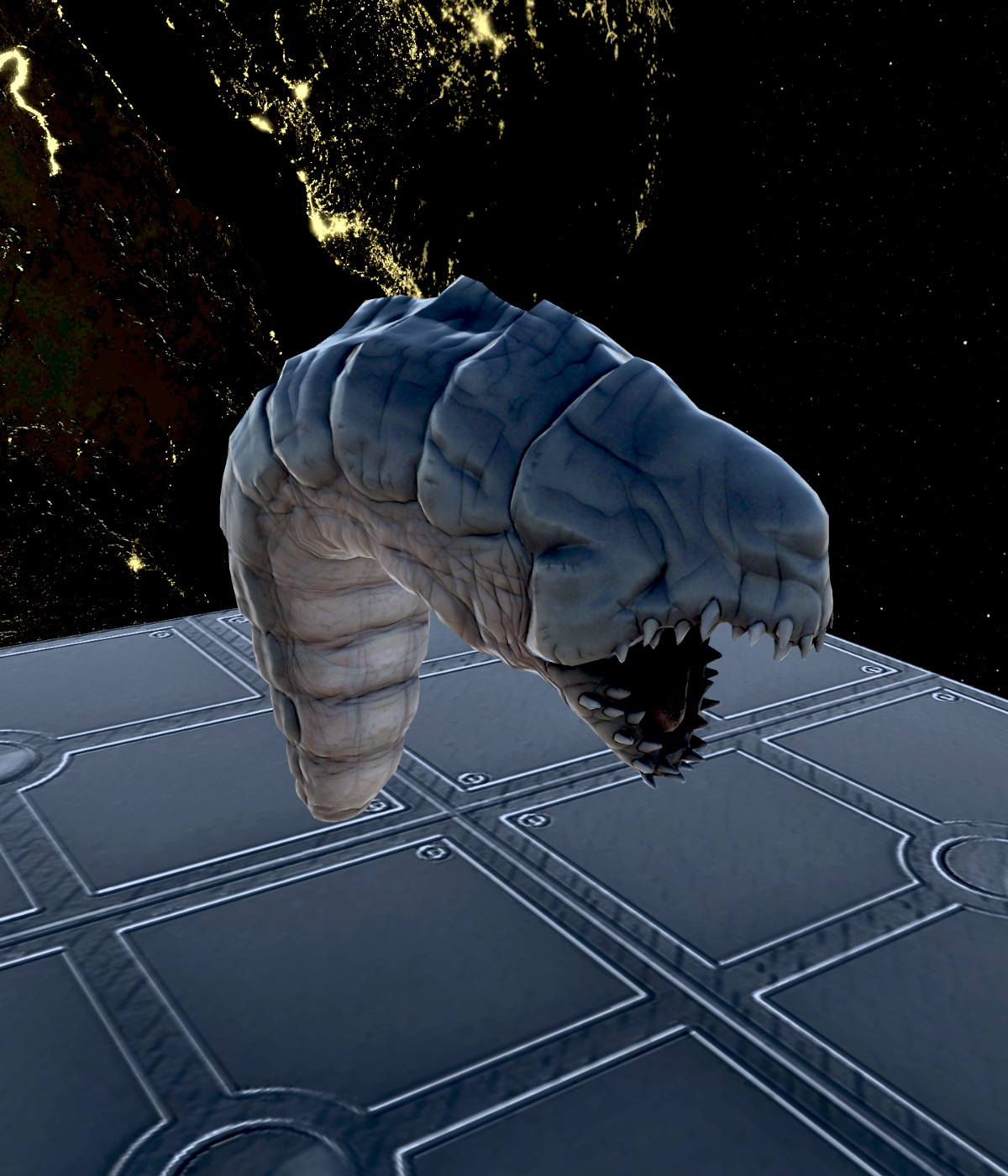 |
Larvae The first stage of alien life forms that can attack the heroes. They are slow, easy to kill and do little damage. However they can appear in large numbers and will evolve into crawlers if left unattended. |
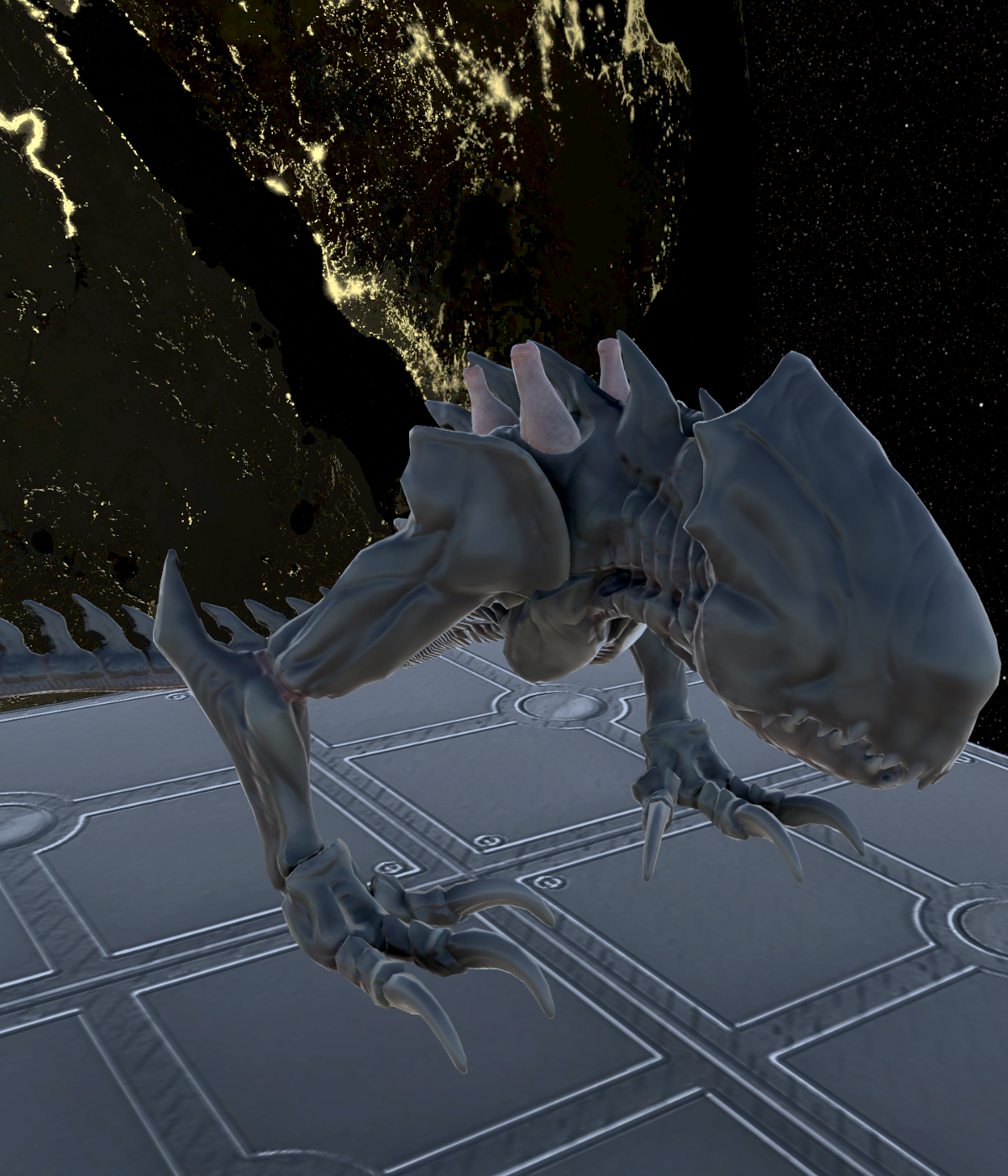 |
Crawlers The next step up from larva. They are still growing and become warriors if given enough time. Crawlers are not that fast, but they have a poisonous attack which causes damage over time even after the engagement. As melee combatants they ignore shields. |
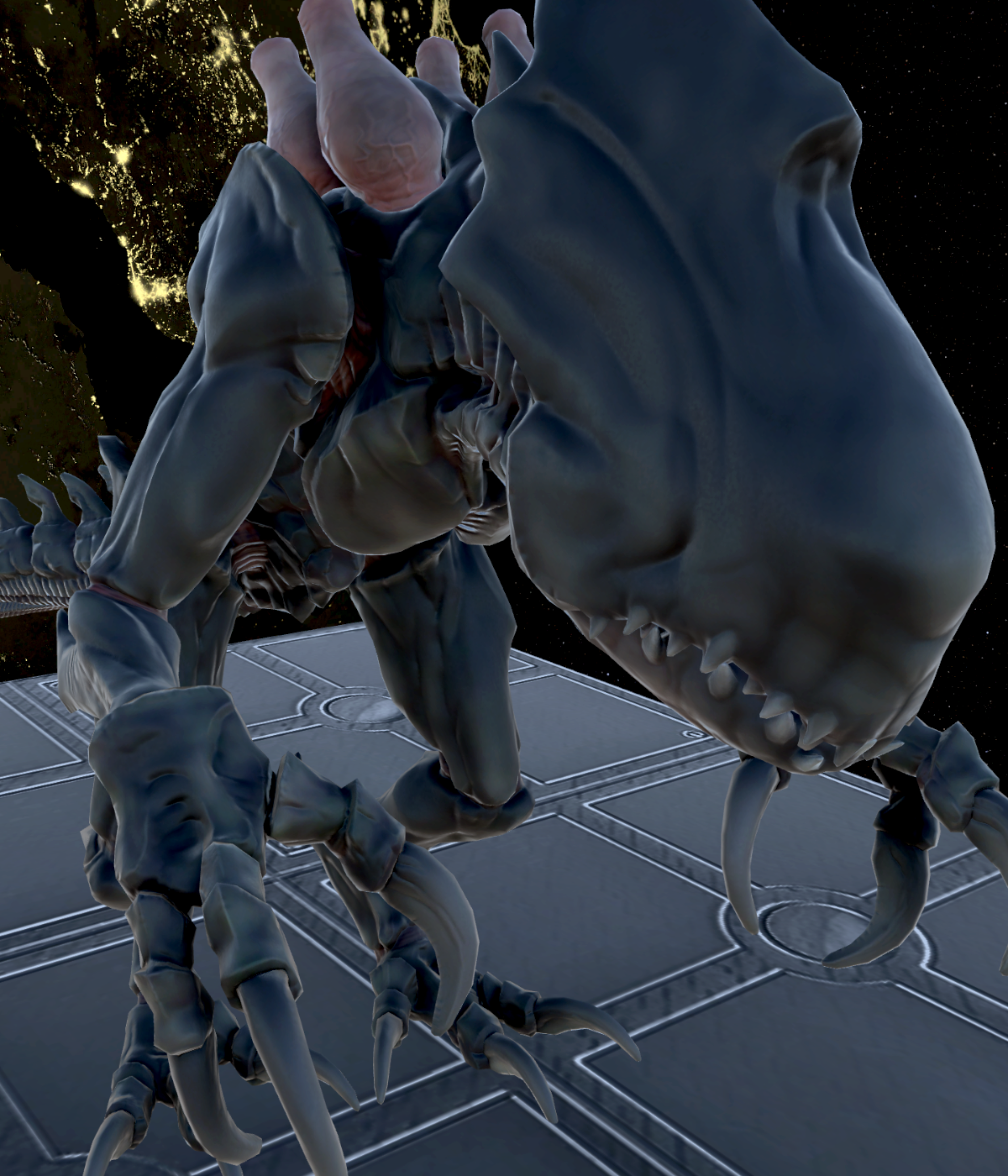 |
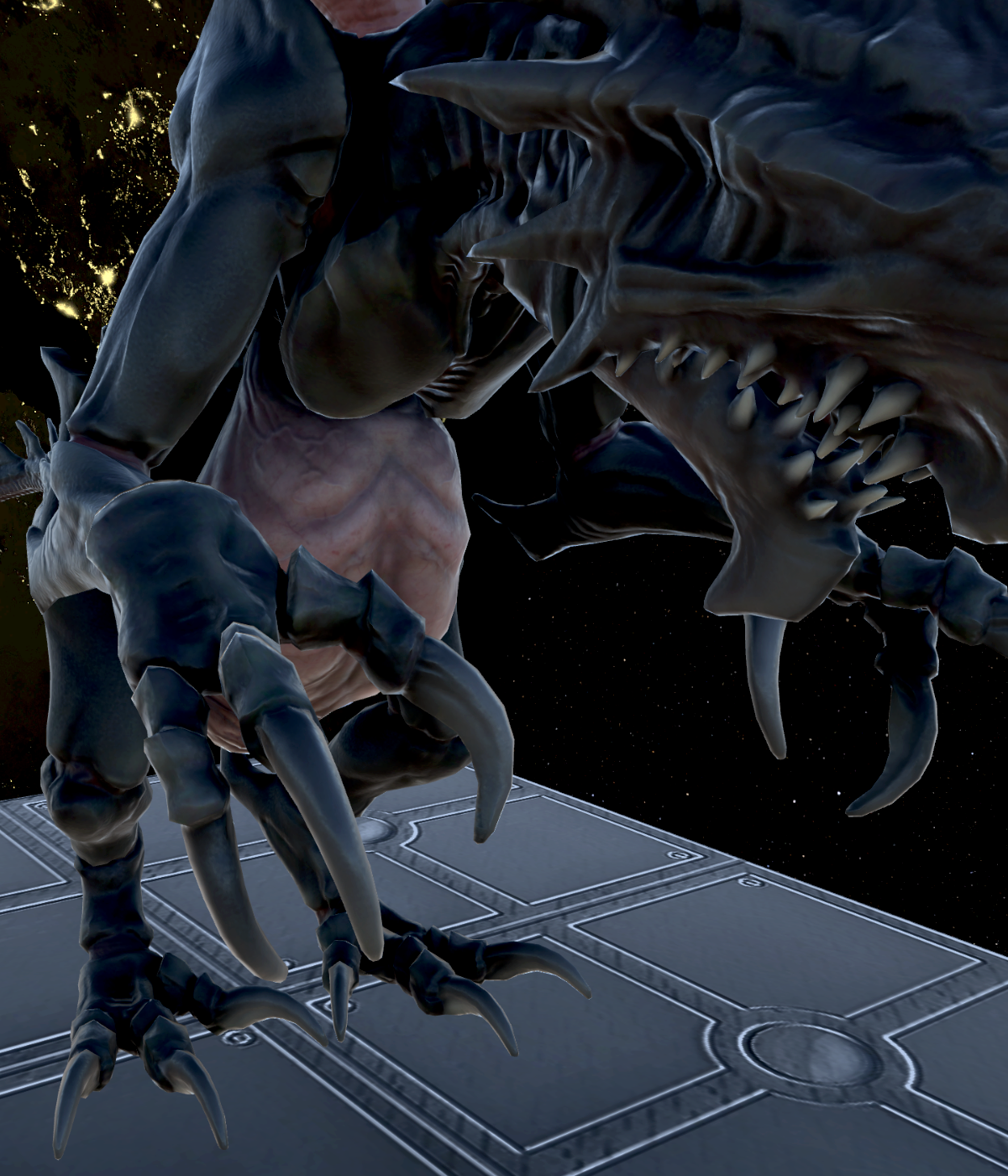
Warriors The final step of alien life form evolution and very dangerous. They are fast, able to jump over small obstacles and hard to kill. In addition, they deal large amounts of damage and can inflict negative status conditions like bleeding. As all alien life forms, they are intelligent and can disengage to regenerate wounds taken in battle. |
 |
The Queen The source of new eggs and classified as an Omega threat. Knowledge is scarce about this organism. Most teams don't survive getting this deep into an alien nest and back out. Caution is advised! |
| Game Status Indicators | |
|---|---|
 |
Health Indicates the amount of health points. If this reaches zero, then the target dies. Both enemies and heroes can recover health under the right conditions. |
 |
Armor Decreases incoming damage by its armor value and then is reduced by one. Armor can't prevent loss of health from negative status conditions like poison. |
 |
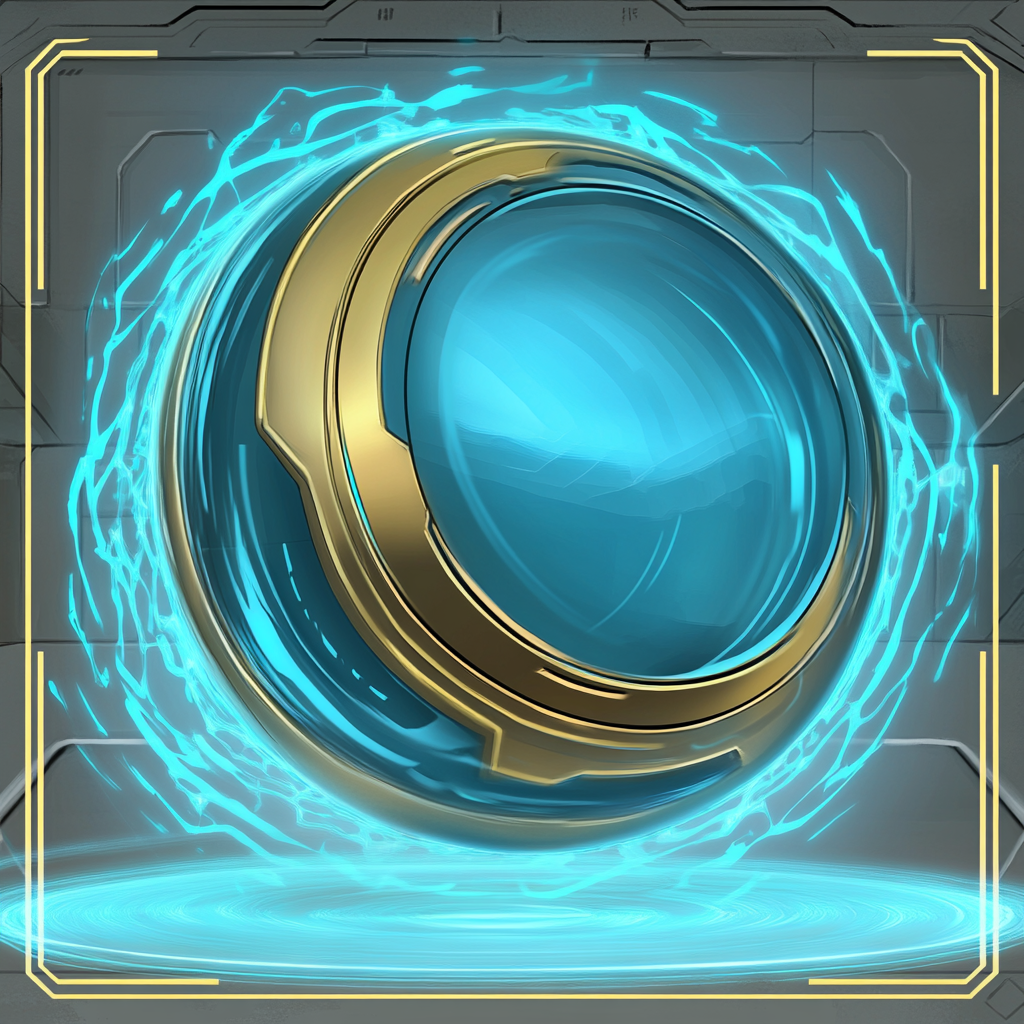
Shield Blocks ranged damage. They even protect against friendly fire like grenade explosions. They are unable to block melee attacks. Shields start to recover after being depleted. |
 |
Movement Indicates how far you or an enemy can move with one move action. Keep in mind that after moving any distance the remaining movement points will be discarded. |
 |
Action Points Shows how many remaining actions your character has or how much action points something costs. |
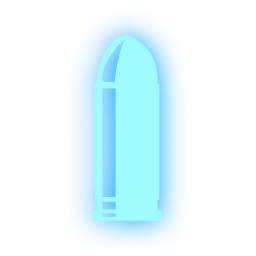 |
Overcharge Indicates that your next attack will deal double damage. This effect is granted by the Assault hero class and will persist until used. |
 |
Poison Will reduce your health by one for the next two rounds. This damage can't be blocked. |
 |
Bleeding Reduces health until the target is healed. If you have no healer in your group, you can use a stim card or a healing station. |
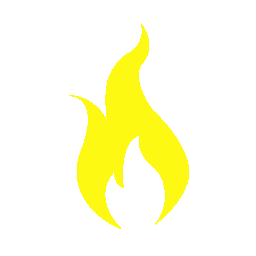 |
Burning Will deal damage to your character for the next two rounds. This damage can be reduced by armor. |
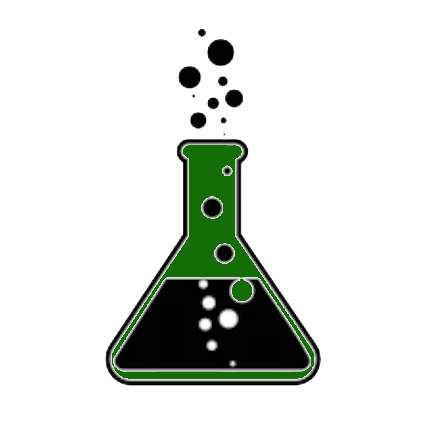 |
Corrosion Will prevent you from recovering an armor point at the start of your turn. In addition it makes armor less effective. Lasts for two rounds. |
 |
Stunned Will make it impossible to move in your next turn. You can still do other actions. |
 |
Upgrade Points Shows how many upgrade points you have access to. Each player will receive one before the first level and after completing each level. In addition, more can be found in each level. |
 |
Crawler Evolution Indicates that an alien larva will be evolving into a crawler soon. The number next to this icon indicates the number of rounds until metamorphosis. |
 |
Warrior Evolution Indicates that an alien crawler will be evolving into a warrior soon. The number next to this icon indicates the number of rounds until metamorphosis. |
Use the 'W-A-S-D' keys on your keyboard to move the camera around. Alternatively you may press and hold the right mouse button to enable camera movement with the mouse. If you hold down the 'Shift' key the camera will move faster. You can zoom in and out by using the mouse scroll wheel. Rotating the camera view is done by pressing the 'Q-E' keys on the keyboard.
You can issue move commands by using the mouse to point where you want to go followed by using the left mouse button. You need to confirm move commands by pressing 'Space' on the keyboard. When clicking on an interactible element your character will move to it and will try to use it. Interaction can fail for various reasons like missing action points to spend. When clicking on an enemy your hero will do a basic attack action. This needs to be confirmed just like a movement action.
Each character has four unique skill cards and can collect more cards during the game. Press 'C' on your keyboard to open your card hand. Point with the mouse at the card you want to play and select it by holding the left mouse button down. The card will be immediately played when you release the left mouse button. If the card is played on a invalid target it will return to the card hand. Playing cards can also fail if you have not enough action points remaining to play the card. Cards will cost between 0 and 2 actions points to be played.
Press the 'F10' key on your keyboard to open the main menu. You can access the options and leave the game via the main menu. If you want to see more detailed information about a foe or friend you can hover your mouse over them. If you want to end your turn without spending the maximum amount of action points or without using your free movement, then press and hold 'Y' on your keyboard.
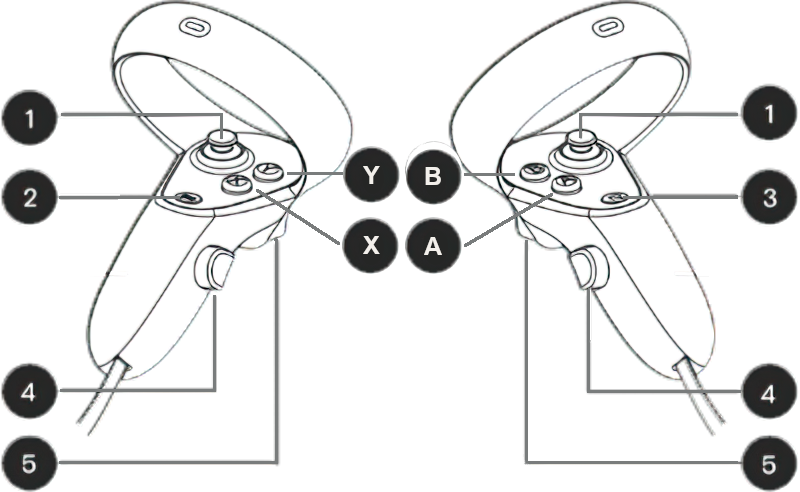
You can press and hold trigger on one controller to change your position. This moves you through the room based on your hand movement. Alternatively you can use the left joystick on your left controller to change your position. Next, we have rotating your view by pressing triggers at both controllers at the same time while turning them like a steering wheel. Alternatively you can use the right joystick on your right controller to rotate your view. Finally, you can zoom in or out by pressing both triggers while doing a motion as if you're opening or closing a curtain. If you want to reset your viewing location back to the starting position you can press the X button.
You can move your character by pointing the beam somewhere on the ground where you want to go and pressing the trigger. You must confirm the move by pressing button A on your right controller. You can cancel a move action by selecting the ground somewhere else. If you press trigger on an interactable element like a door, your hero will move to the target and interact with it afterward, if you have action points left. Press trigger while pointing at an enemy to attack them. Press and hold button Y to end your turn prematurely. You can do this if you don't want to spend your remaining actions or don't want to move. Every turn you have one free move and two action points to use.
Each character has four unique skill cards and can collect more cards during the game. You can turn your wrist to open your card hand. While the card hand is open you can point at a card and hold trigger on one controller to select it for playing. Hover the card over a valid target and then release trigger to play the card. If you try playing the card over an invalid target, it will return to your hand. Keep in mind that some cards can only be played on your hero. In this case you need to release trigger after the card hovers in place over your hero. There is a button in your card holder to access the main menu.
If you want to change your dominant hand you can do so in the options menu. You can access the options and main menu via your wrist display or by pressing the menu button. Your wrist display also shows useful information. This includes how many actions the active unit has remaining, which conditions they suffer from and more. If you want to view more detailed information about a friend or foe, you can press button B while pointing at them to have a detailed status overview appear.
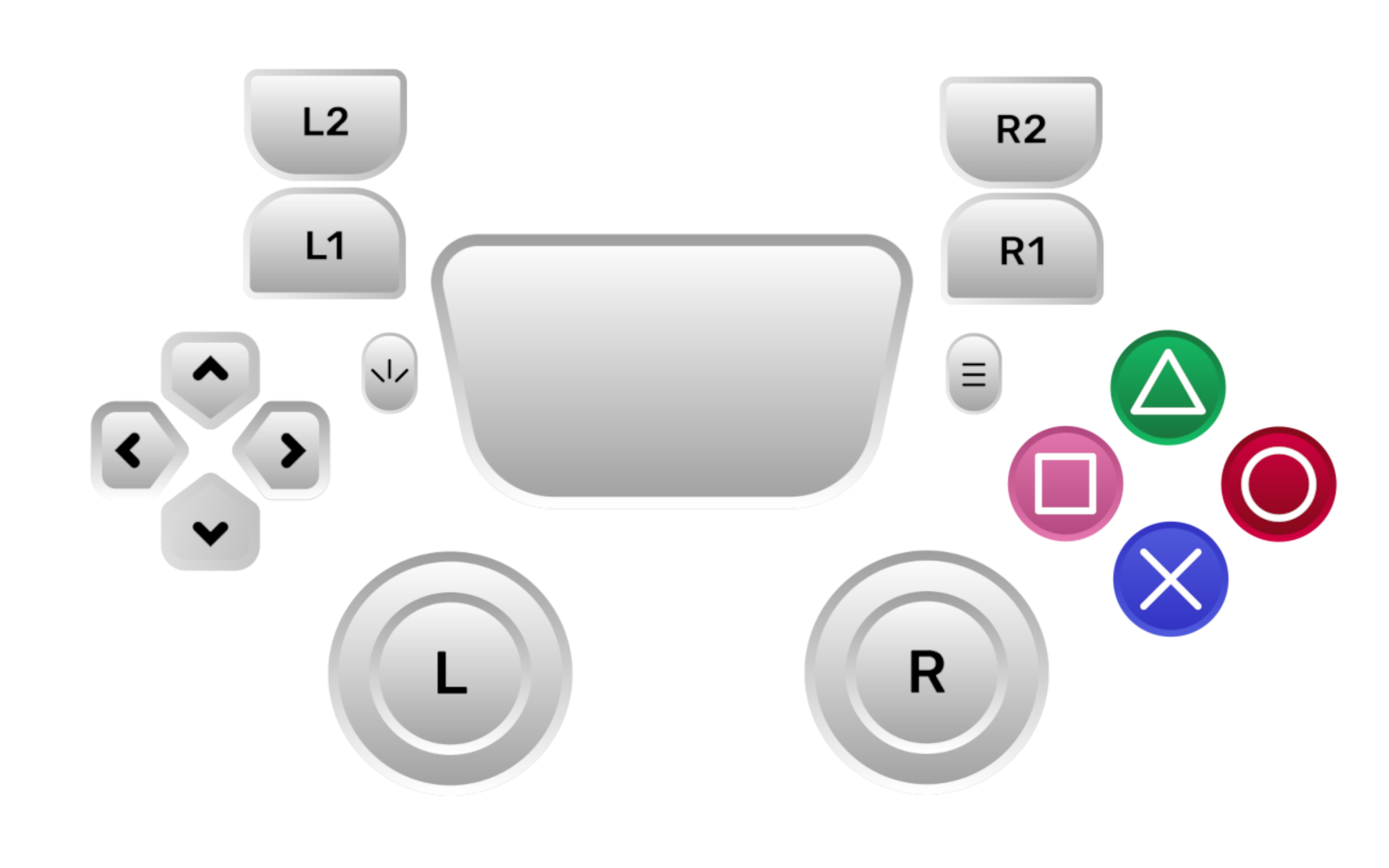
You can use the left stick to move around. The right stick allows to rotate the camera and to change the viewing angle. While in menus you can navigate either via the left stick or by using the up and down buttons. The camera will automatically switch to a players character when they start their turn and will snap back to your hero at the start of the enemy phase. The camera angle will automatically adjust to show you whats going on.
You can move your character by looking at where you want to go and pressing the R2 button. If you press the R2 button on an interactable element like a door, your hero will move to the target and interact with it afterward, if you have action points left. Press the R2 button while pointing at an enemy to attack them. Confirm actions by pressing the Cross button. If you want to cancel an action press Circle instead. Press and hold button Triangle to end your turn prematurely. You can do this if you don't want to spend your remaining actions or don't want to move. Every turn you have one free move and two action points to use.
Each character has four unique skill cards and can collect more cards during the game. You can press Square to open your card hand. While the card hand is open you navigate through your available cards using the left and right buttons. Select a card and press Cross to make it ready for use. Hover the card over a valid target and then use the R2 button to play the card. If you try playing the card over an invalid target, it will return to your hand. Keep in mind that some cards can only be played on your hero. In this case you need to press the R2 button after the card hovers in place over your hero.